
This feature is only available from version 5.0.0 onwards.
Background
In most cases, there is usually 1 coverer for a person in a project. However for some projects, the responsibilities may be redistributed to multiple people during the absence.
For example:
|
Criteria |
Coverer |
|---|---|
|
Tasks |
Alice |
|
Bugs related to Component A |
Bob |
|
Stories created within this month |
Charlie |
Solution
Recurring Rules have a new option Assign based on JQL when selecting how to Reassign Issue.
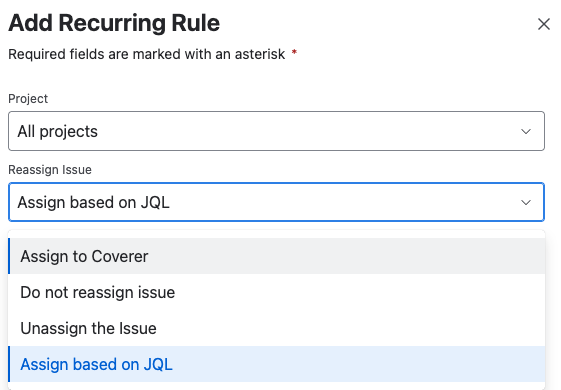
Defining a Sub-Rule
When Assign based on JQL is selected, users can specify up to 5 sub-rules to use. Each sub-rule belongs to a recurring rule and will only apply to issues under the recurring rule’s project.
|
Field |
Description |
|---|---|
|
JQL Required |
The JQL query used to check if the triggering issue matches the sub-rule |
|
Coverer Required |
The user to reassign the issue to if the issue matches the JQL |
|
Message Optional |
The optional message to add to the Out of Office Period’s message |
Priorities of Sub-Rules
The sub-rules are checked in the order they are shown from top to bottom.
The processing will stop when the first matching sub-rule is found for the triggering issue.
Place the more specific sub-rules on top.
Fallback Rule
If the triggering issue does not match any of the JQL criteria specified in the sub-rules, Out of Office Assistant will use the coverer and message defined in the main recurring rule to perform the reassignment.
Do note that One-time Rules have a higher priority than Recurring Rules.