.png)
Migration to Forge
The app has been migrated from Atlassian Connect Spring Boot (ACSB) to Atlassian Forge.
Benefits of Forge
-
Improved security: Benefit from Atlassian's built-in security, privacy, and compliance standards.
-
Performance and Scalability: Optimised to ensure a more stable experience as usage grows.
-
Atlassian Cloud Alignment: Keeps the app fully compatible with Atlassian’s future platform direction.
Actions Required
Manual update by Jira Cloud Admins
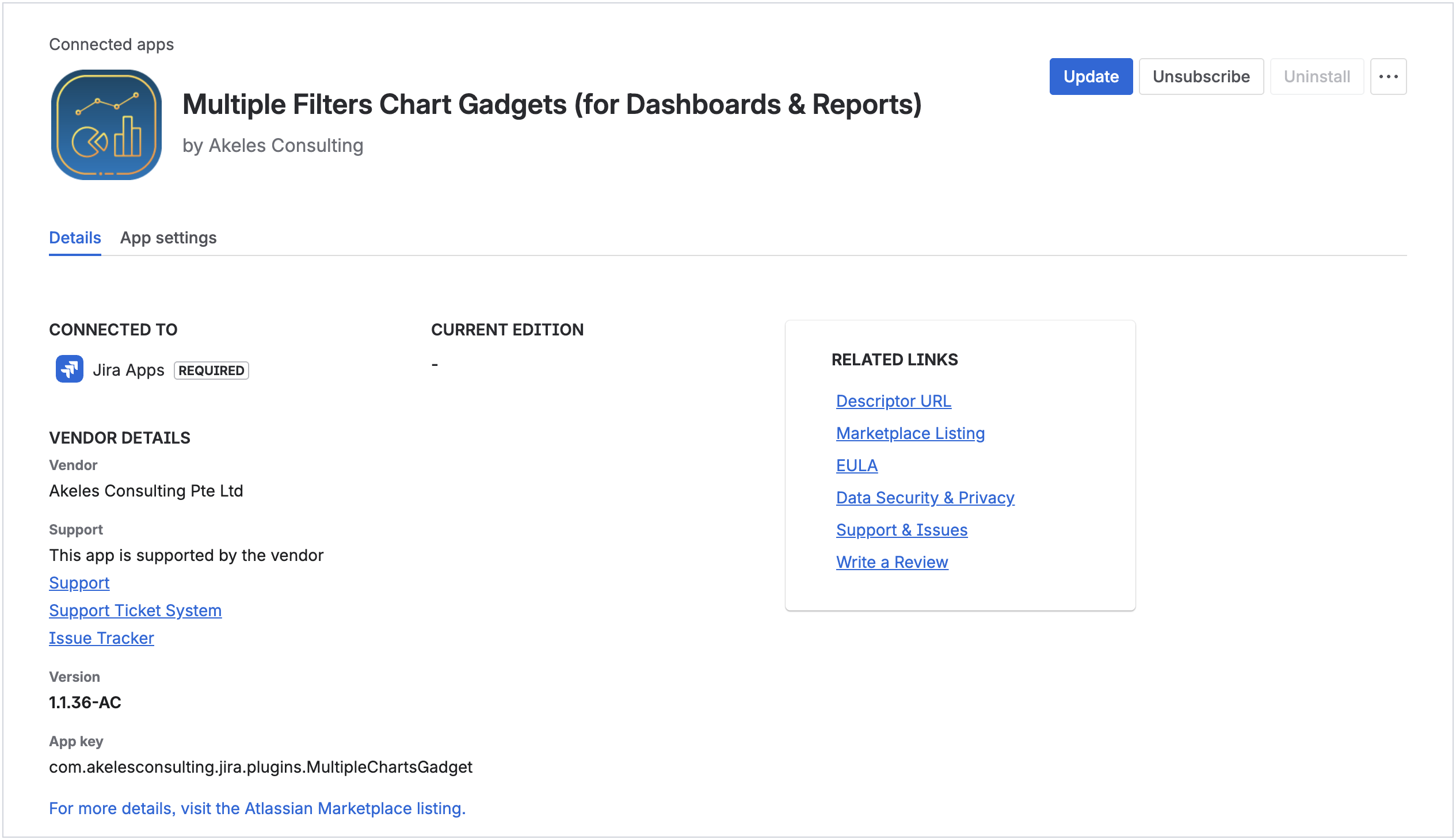
For detailed steps, please refer to Upgrading to Atlassian Forge version.
The app functionality remains unchanged with all settings preserved.
No action is required from users.
Improvements
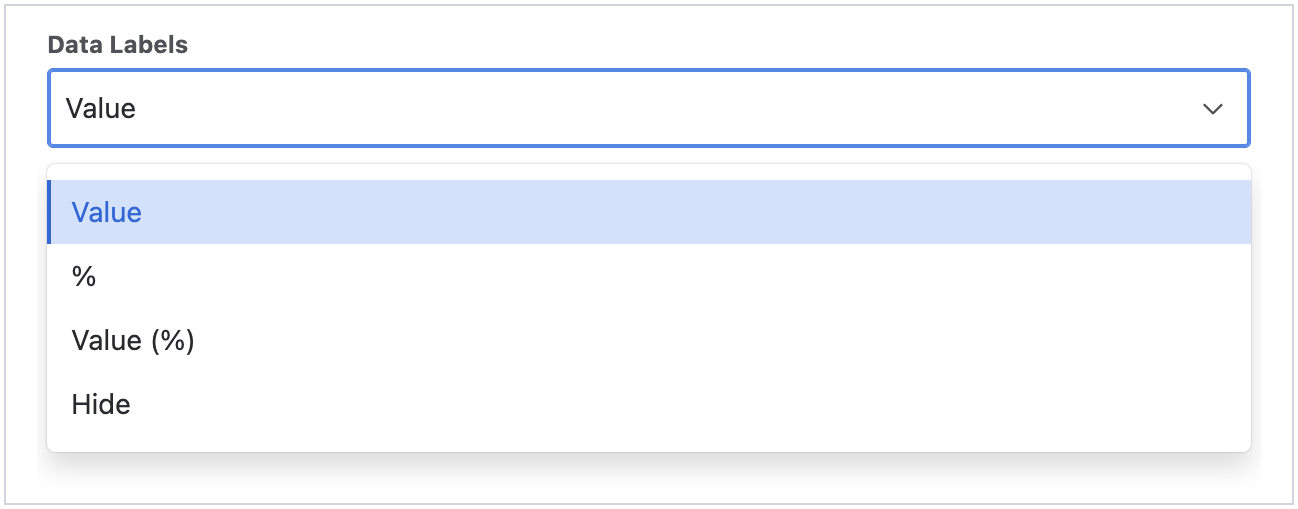
Percentage data labels
The options has been updated to include percentage:
|
Before |
After |
|---|---|
|
|
An interactive button is also added for users to toggle the displayed value.
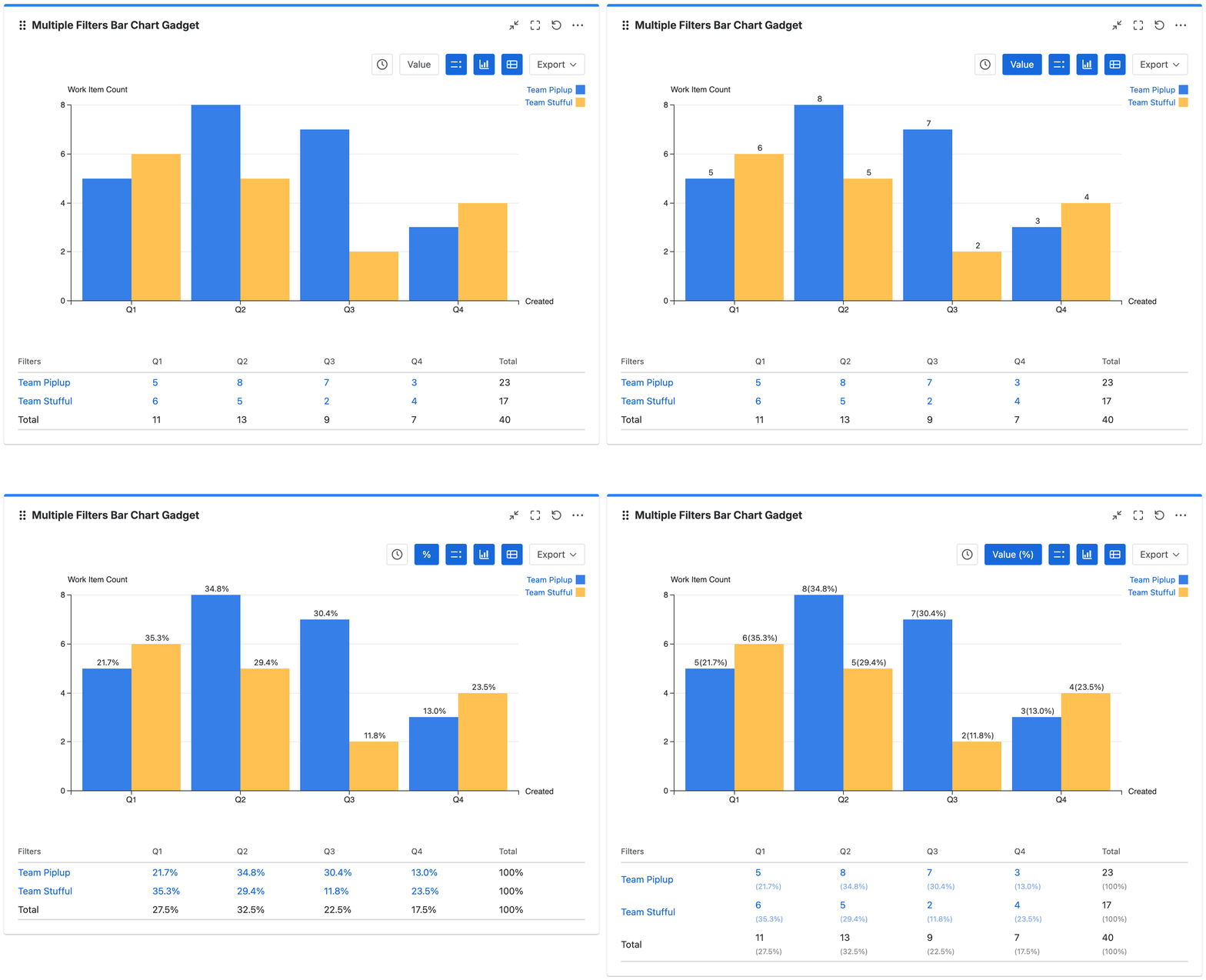
Display %
For bar and line charts, percentage can be calculated by series, dates/statistic types or all values.
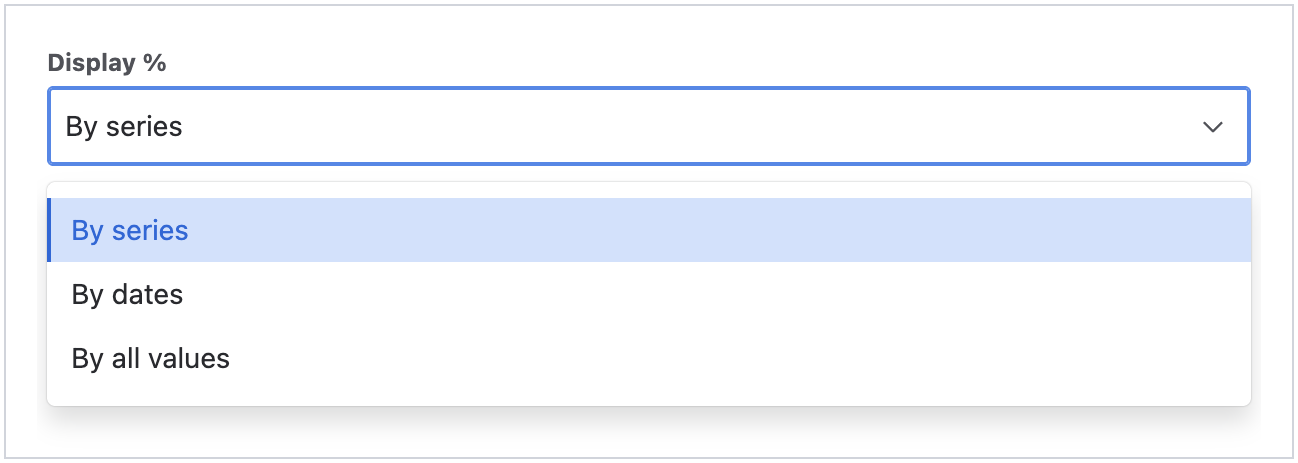
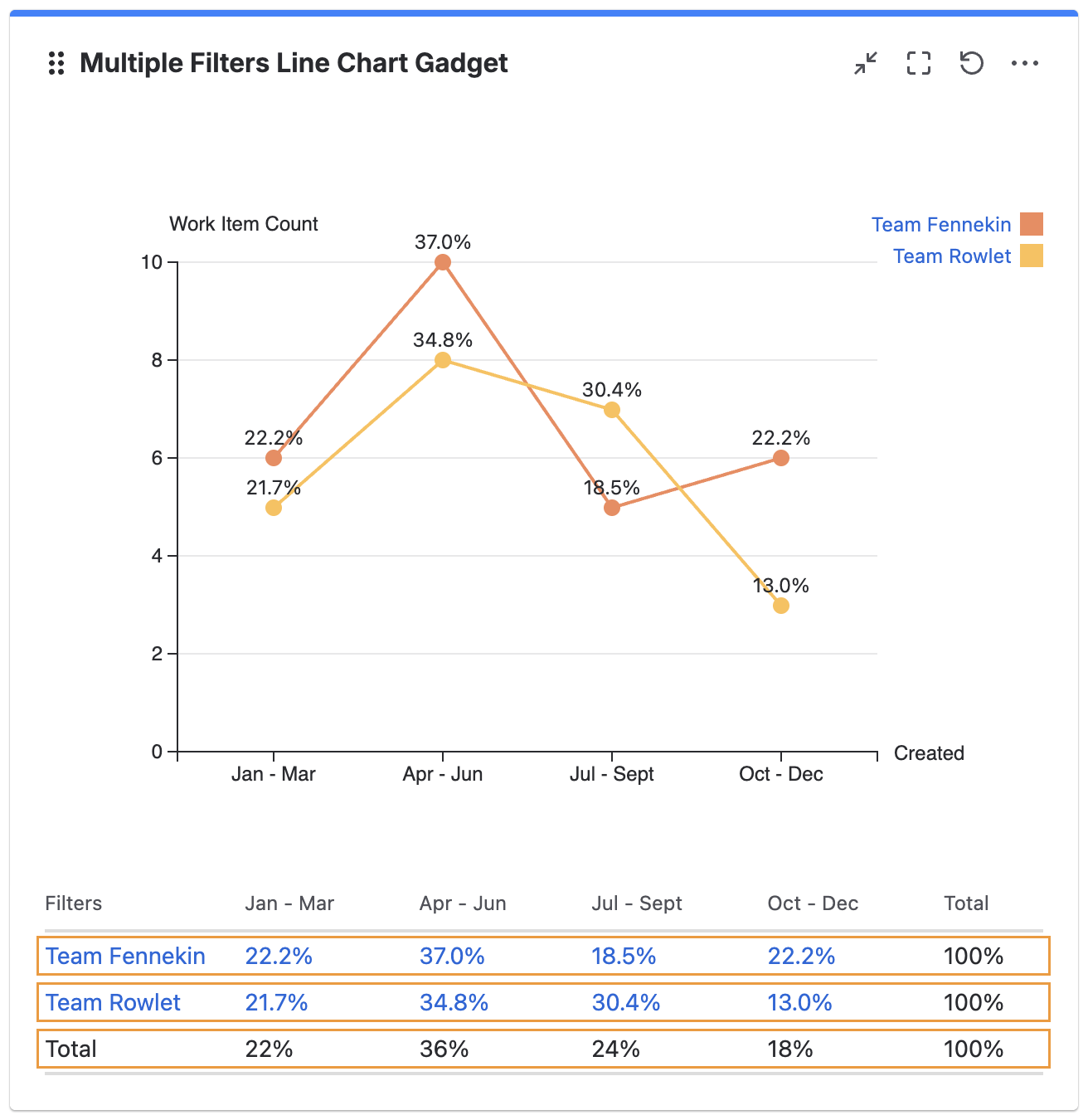
Please note that the total percentage may not add up to 100% due to rounding issues.
Refer to Display percentage value for more info.
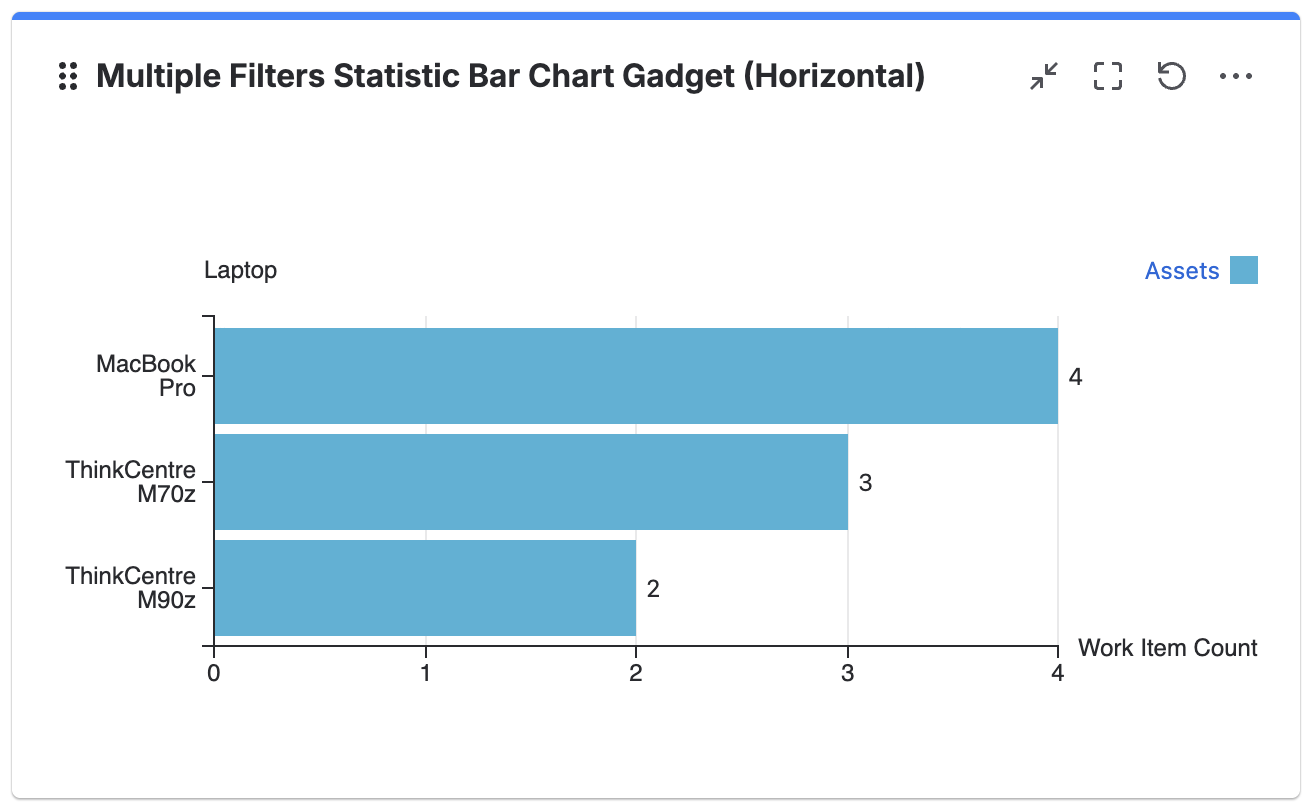
Support Assets objects fields
Assets objects fields are now supported in statistic charts.

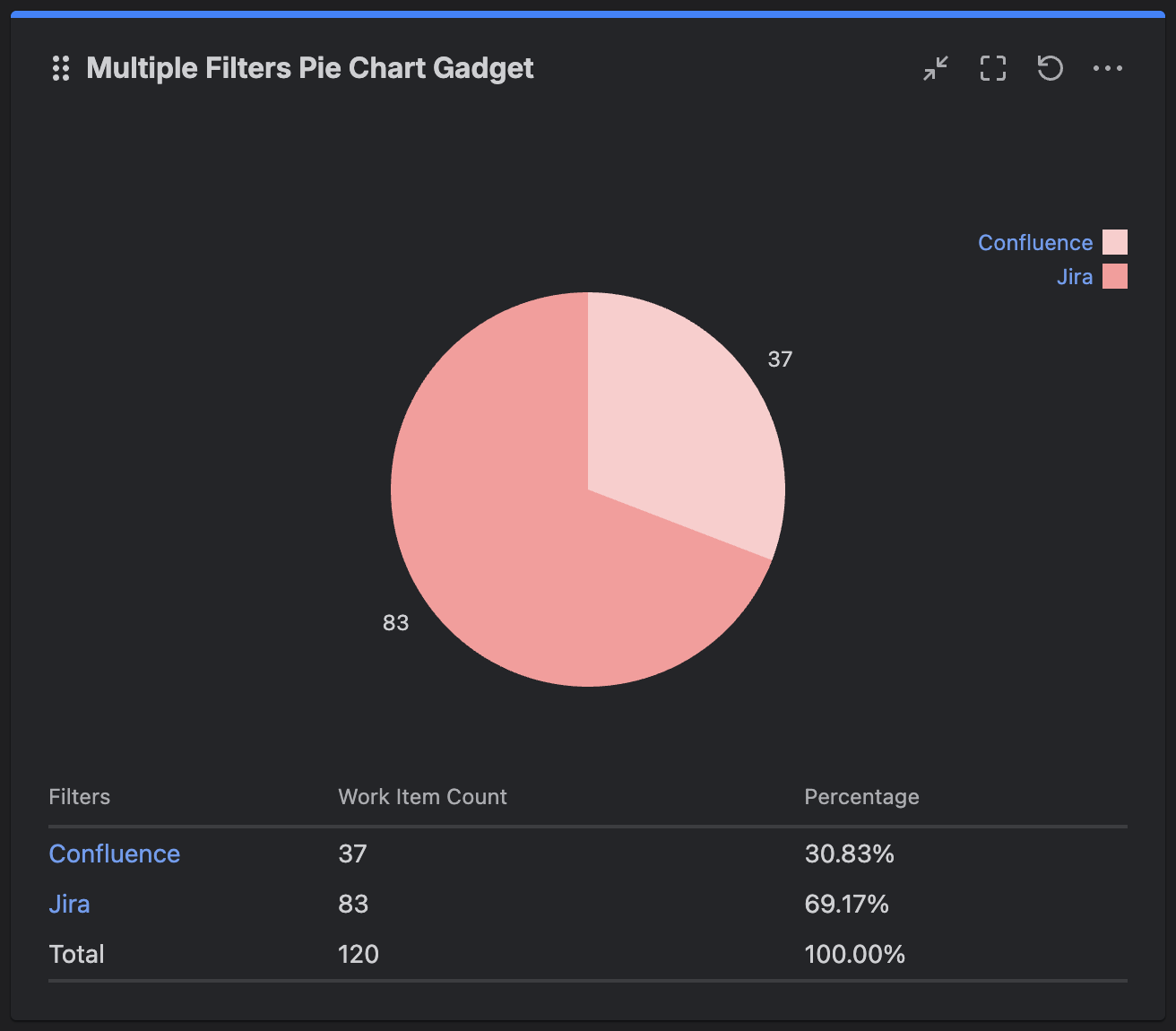
Support for dark theme
Dark theme is now supported in all gadgets.
UI updates
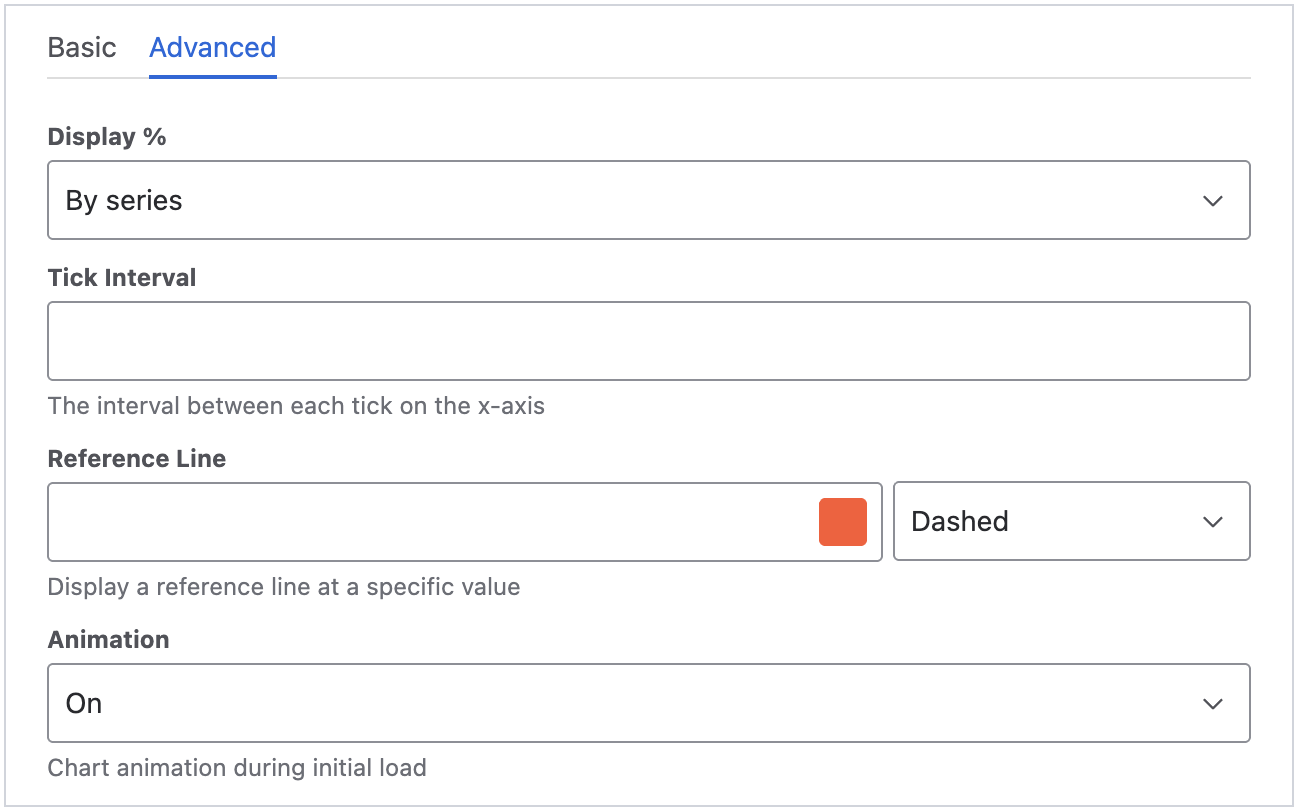
The settings after the filters has been split into Basic and Advanced tabs.
The following settings are placed under the Advanced tab:
-
Display %
-
Tick Interval
-
Reference Line
-
Animation