.png)
Steps
-
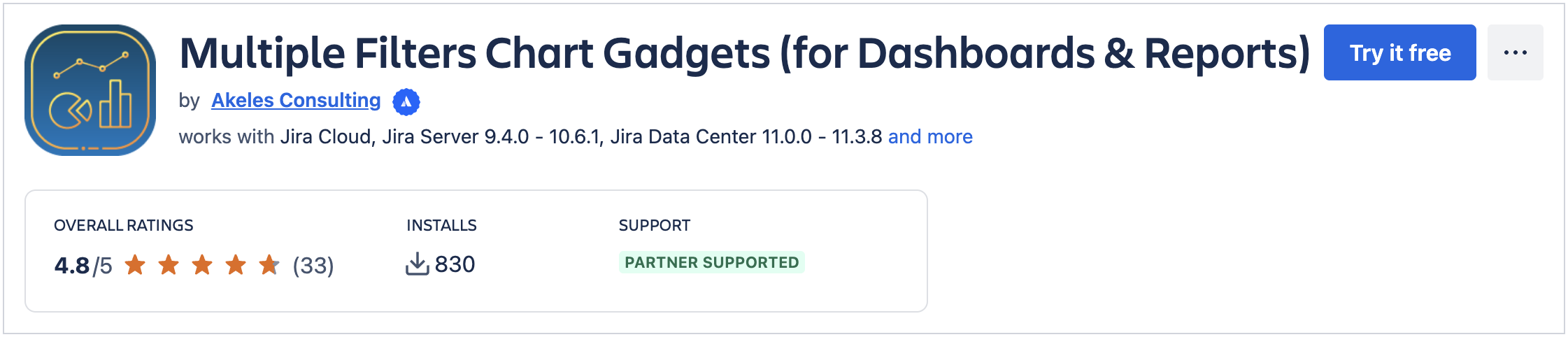
Go to Multiple Filters Chart Gadgets listing in Atlassian Marketplace.
-
Click Try it free.
-
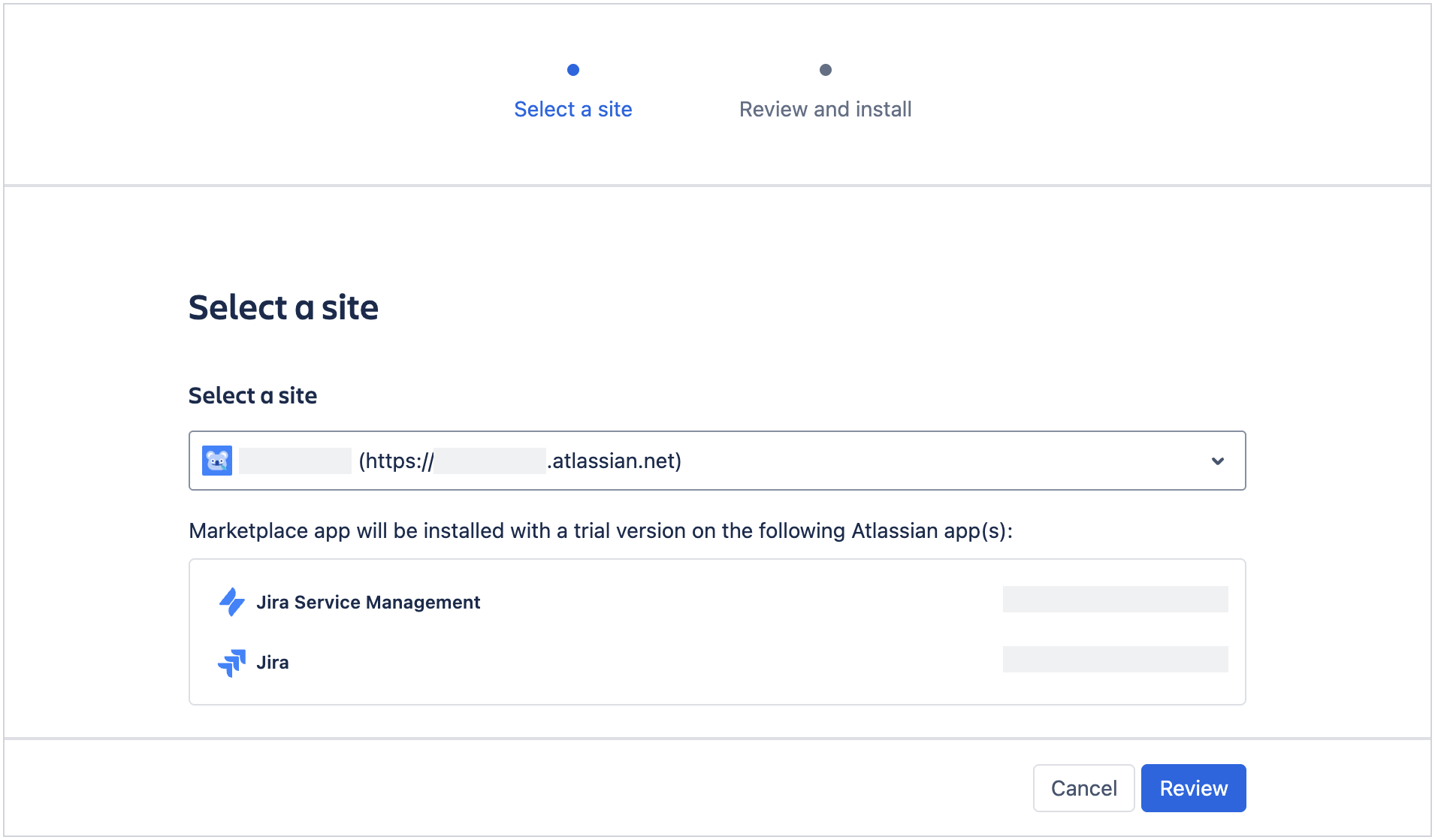
Select your site and click Review.
-
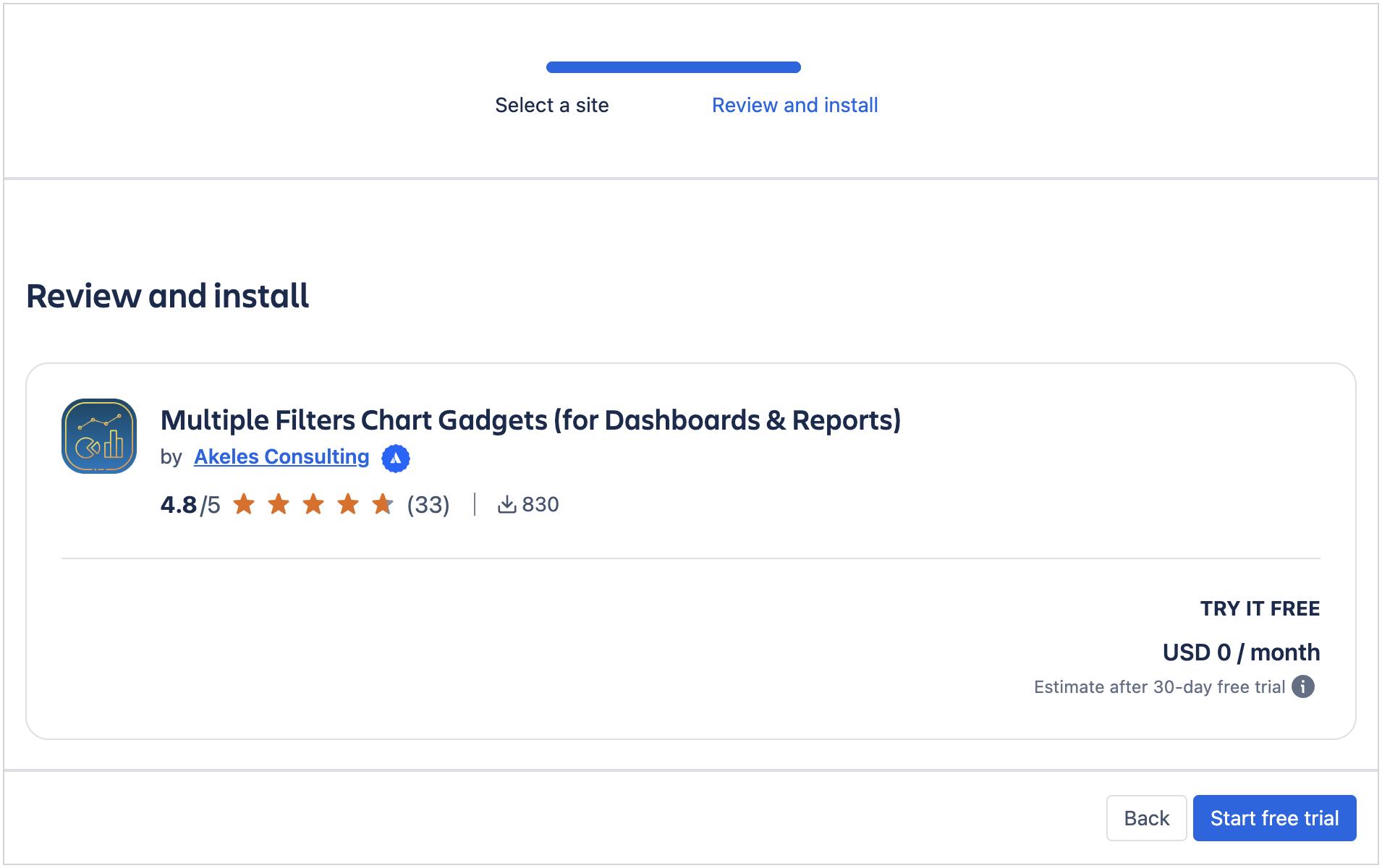
Click Start free trial to proceed with the installation.
-
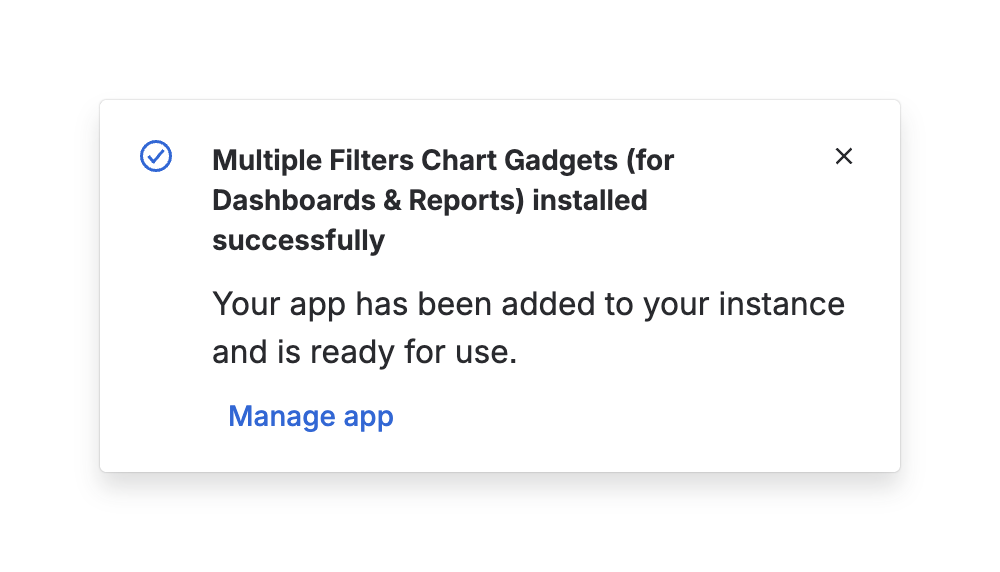
A popup will appear to inform you that the app has been installed successfully.
-
The trial license will be applied automatically. You can start using the app now.