.png)
This feature is available from version 6.3.0 onwards
Enabling Scheduling of Policy Runs
The Jira admin has to enable the Automatic Housekeeping option in the Housekeeper Settings.
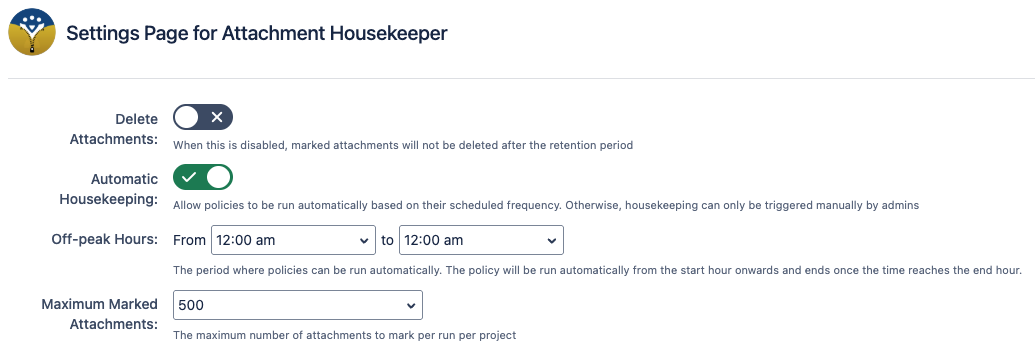
Scheduling a Policy
Each policy has its own Schedule Frequency which can be set when creating / editing a policy. This frequency determines how often a policy will be made to run automatically.
By default, all policies will not have a scheduled frequency. You will have to edit existing policies to set their schedule frequency.
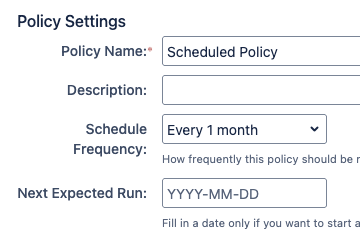
When assigning a schedule frequency, the next expected run date can also be set.
|
Setting |
Description |
|---|---|
|
Schedule Frequency |
How often the policy should be scheduled to run, or if it should not be scheduled. Valid options are:
|
|
Next Expected Run |
The date that the policy is next eligible to run automatically. The policy will be run as soon as possible during an off-peak period occurring after the Next Expected Run date. If you want to run the policy as soon as possible, set it to the current date. If left blank, the policy will be automatically scheduled to run on the next off-peak period if possible, or if the policy has been run before, it will schedule it based on the last run date and selected schedule frequency. |
Note that the above options are always available and will be saved, but will not take effect if Automatic Housekeeping is disabled.
If Automatic Housekeeping is disabled, the Next Expected Run will show that it is not available when viewing policy info.
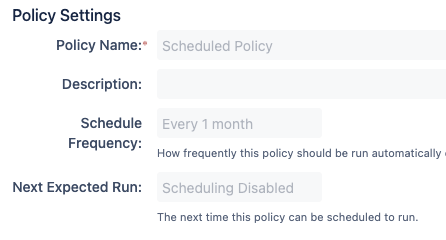
Viewing Policy Schedules
The policies' last execution date and next expected run date are shown in the Housekeeping Policies page. From here, it is easier to see an overview of when policies will be scheduled to run next.
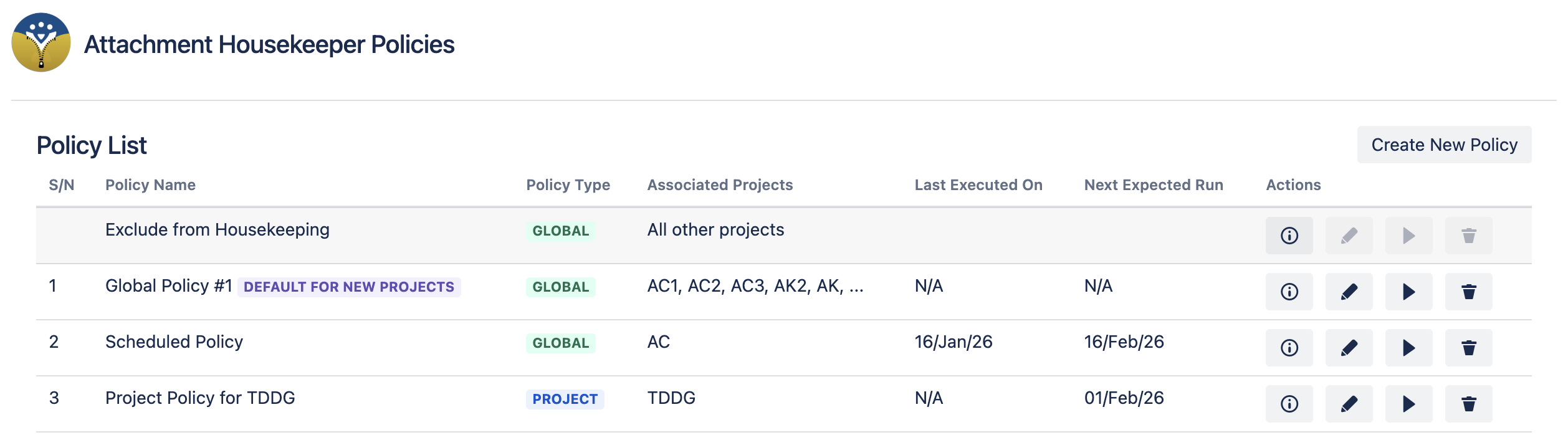
If a policy is not scheduled or the Automatic Housekeeping is disabled, the Next Expected Run will be N/A.
Notes on Policy Scheduling
-
The Next Expected Run is the time that the policy is eligible to run again. Since this is not a time critical process, the housekeeping policies are executed 1 at a time to avoid unnecessary performance overload.
-
Due to the off-peak period setting and different amount of data to be processed, the actual execution time may start much later after the Next Expected Run timing.
-
-
If a scheduled policy is triggered to run manually, the Last Executed On and Next Expected Run date will both be updated.
-
The scheduled policy will be run with full permissions, and will therefore be able to view all issues found by the given JQL.