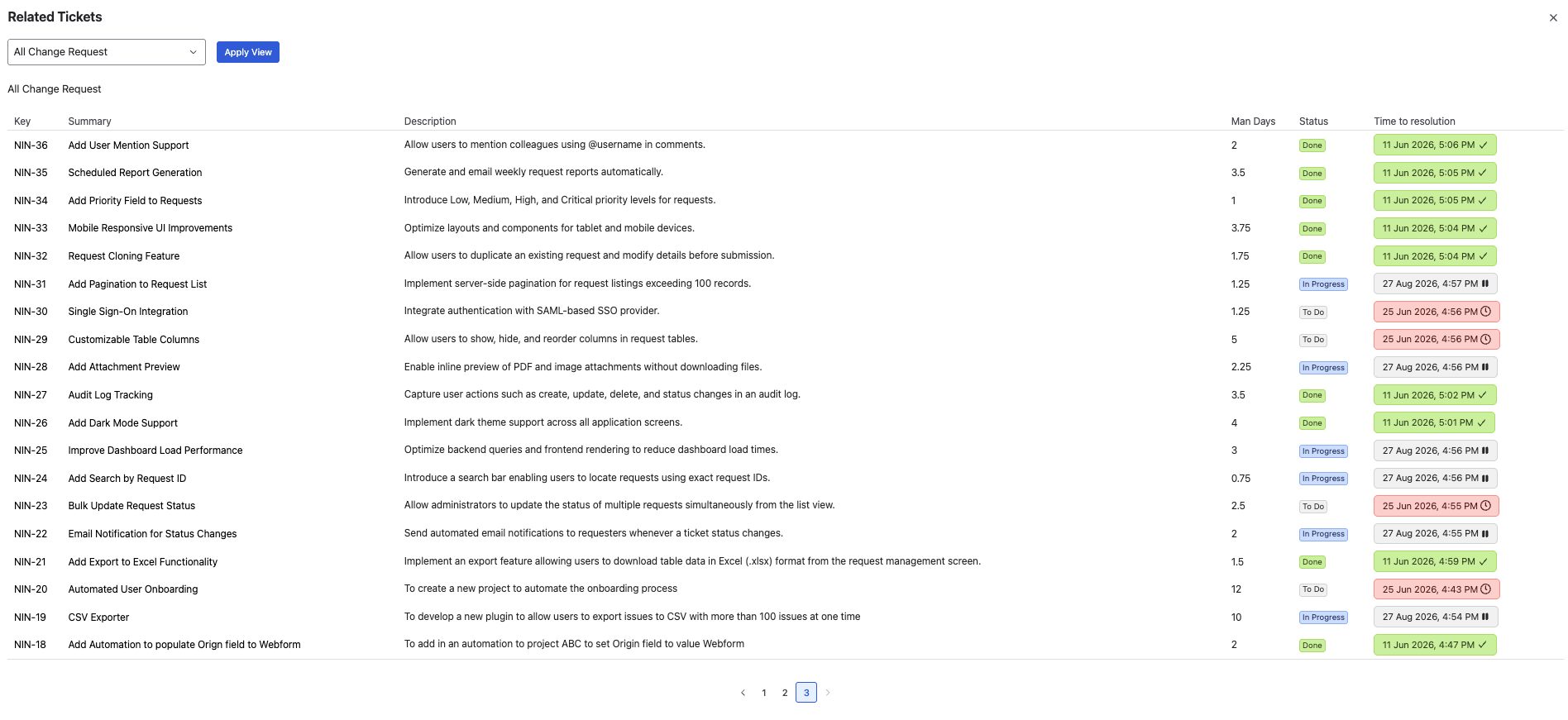
Customers can see only the views they have access to through their assigned project role. The values displayed in a view are configured by administrators.
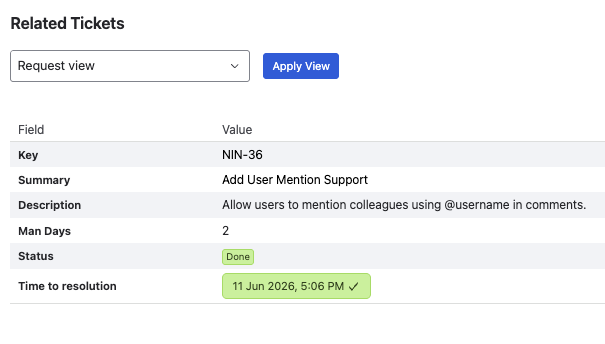
Request View
Displays the selected fields for a single issue. Use Request View when you want customers to view information related to the issue they are currently viewing.
-
Open the issue detail view.
-
Click Requests Organizer under Apps.
-
Select a view under Request View.
-
Click Apply view to display the information.
List View
Displays a list of issues based on the administrator's configured JQL query..
-
Open the customer portal and go to Requests.
-
Open Requests Organizer. The views available to you are displayed based on your permissions.
-
Select a view, then click Apply view to display the information.