
Introduction
Related Tickets helps service desk agents see the full history of requests from the same customer.
From any issue, agents can view other requests raised by the same Reporter without leaving the current issue or manually searching for them.
Common use cases:
-
Spot repeat issues and duplicates: Quickly identify whether a customer has previously reported the same or similar problem.
-
Refer to past resolutions: Check how similar issues were handled previously, including the solutions provided and actions taken.
-
Reduce manual searching: Access a customer's related tickets directly from the current issue without running JQL searches or switching between projects.
Using Related Tickets
-
Open an issue in a service desk project.
-
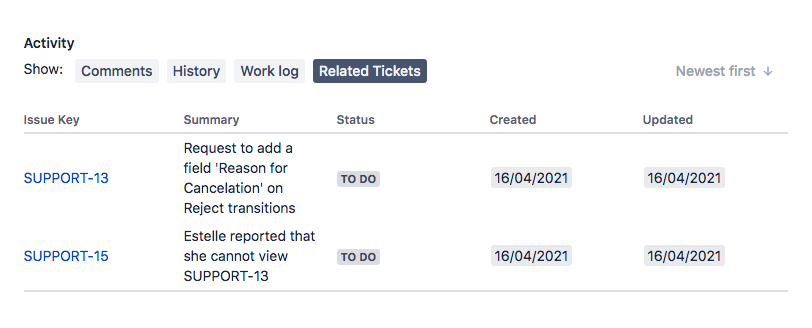
In the Issue Activity panel, click Related Tickets.
-
Review the table of tickets raised by the same Reporter, most recently updated first.
The list is limited to the same service desk project, and anonymous reporters show an empty table.