.png)
Indicate the One-time Rule is created by the Jira Administrator
An “Info” icon has been added next to the rule to indicate that it was created by the Jira Admin.

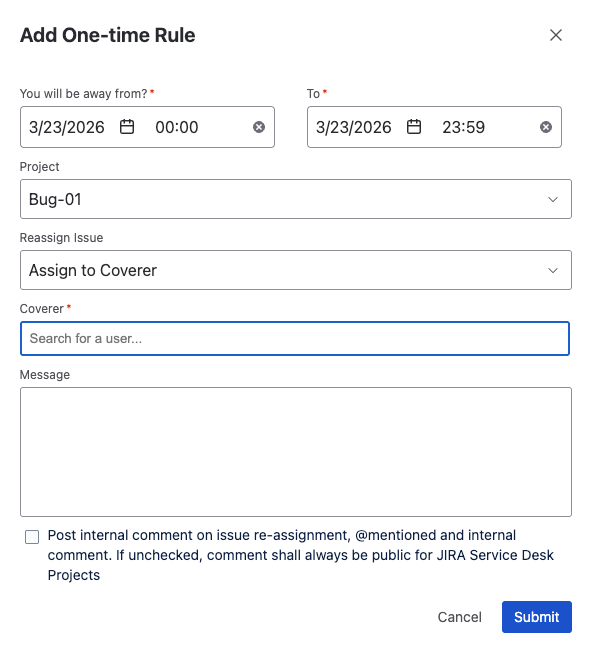
To implement checks for coverer permissions
We have added validation to ensure proper coverer permissions. Only users who can be assigned issues in the selected project will be available as coverers.
Example: Only users assignable to the Bug-01 project can be selected as a coverer.
To check if coverer is assigning back to ooo user
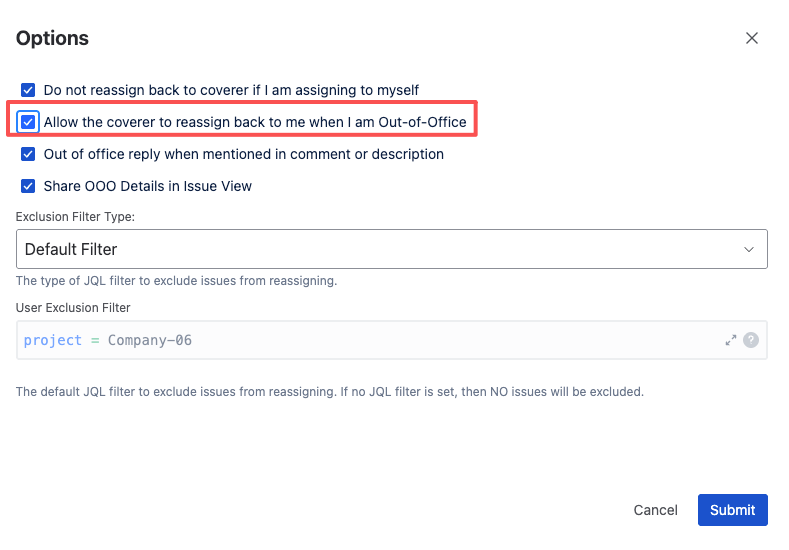
We have added logic to handle reassignment by the coverer. If “Allow the coverer to reassign back to me when I am Out-of-Office” is enabled and when the coverer reassigns the issue back to the out-of-office user
-
The app will not post an out-of-office comment
-
The out-of-office rule will not be triggered
To check self-assignment is enabled
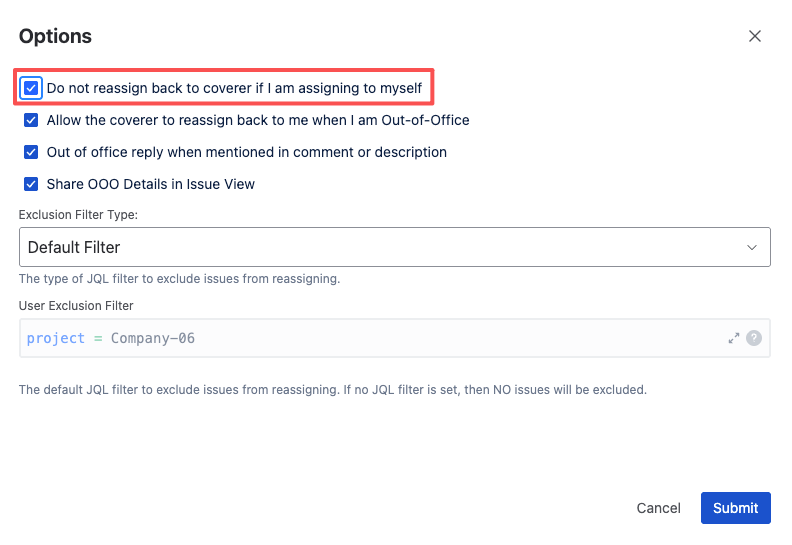
We have added logic for self-assignment scenarios. If “Do not reassign back to coverer if I am assigning to myself” is enabled and when the out-of-office user assigns the issue to themselves
-
The app will not post an out-of-office comment
-
The out-of-office rule will not be triggered
To support dark theme
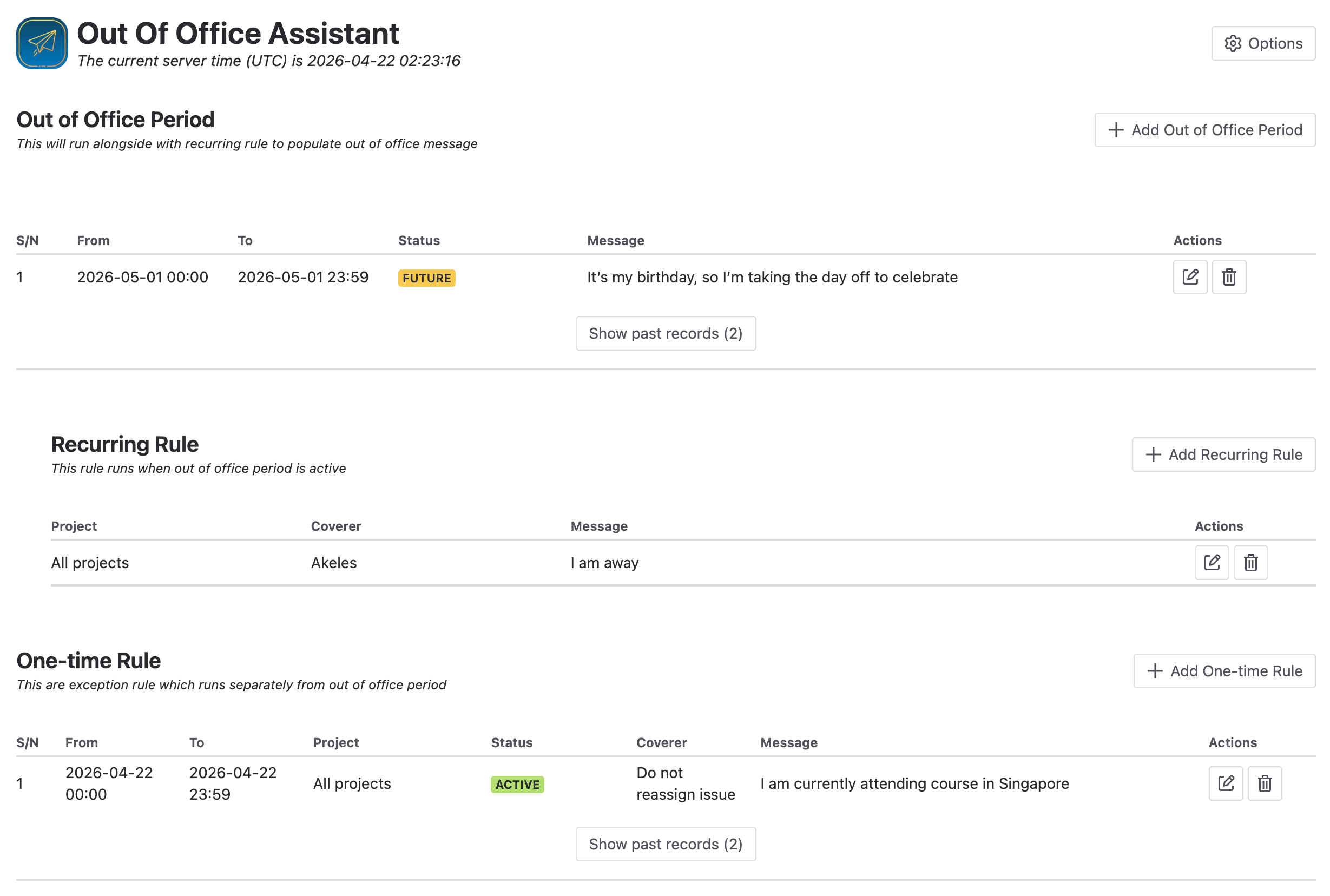
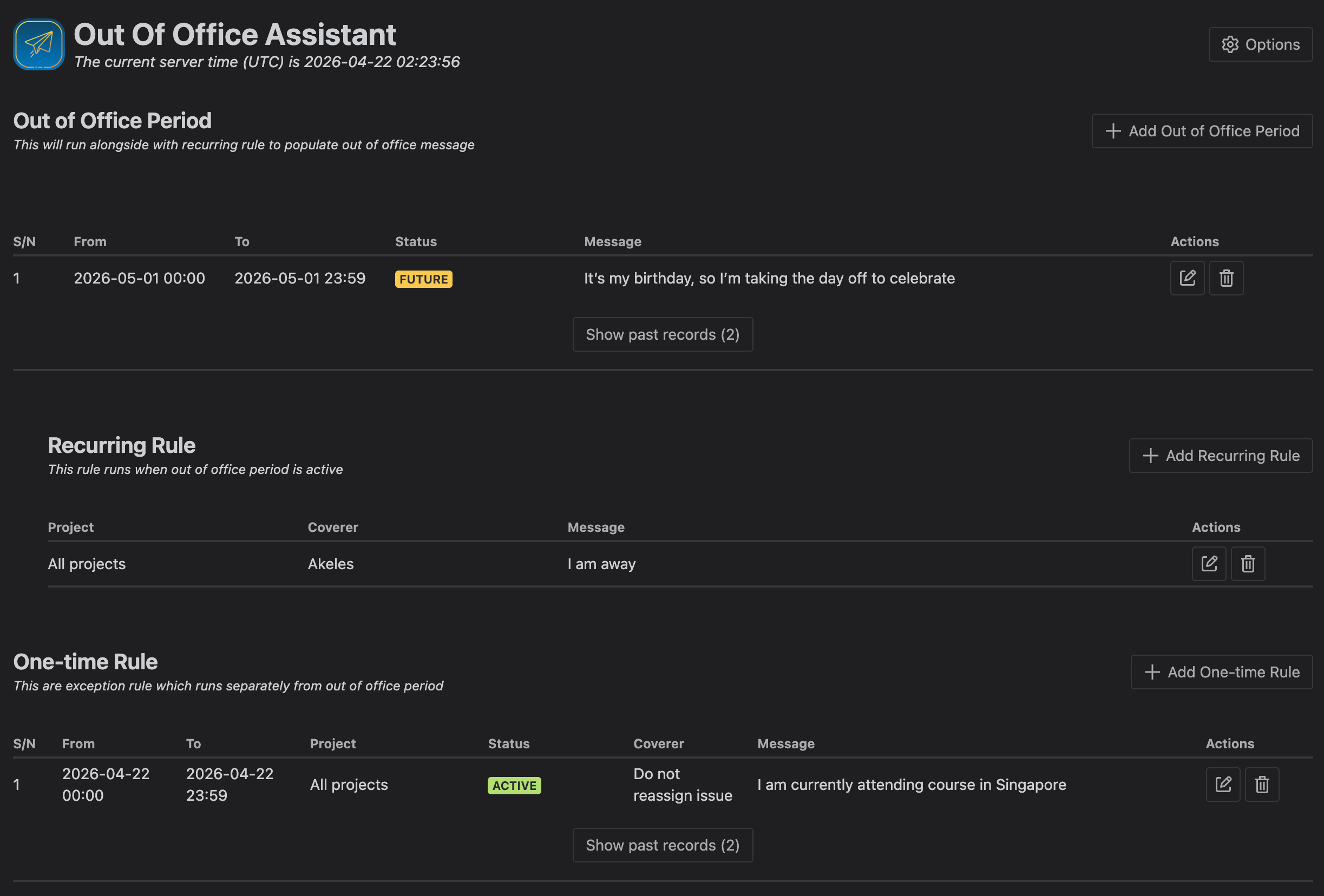
We have added support for Dark Theme
|
Light |
|
|---|---|
|
Dark |
|