.png)
Overview
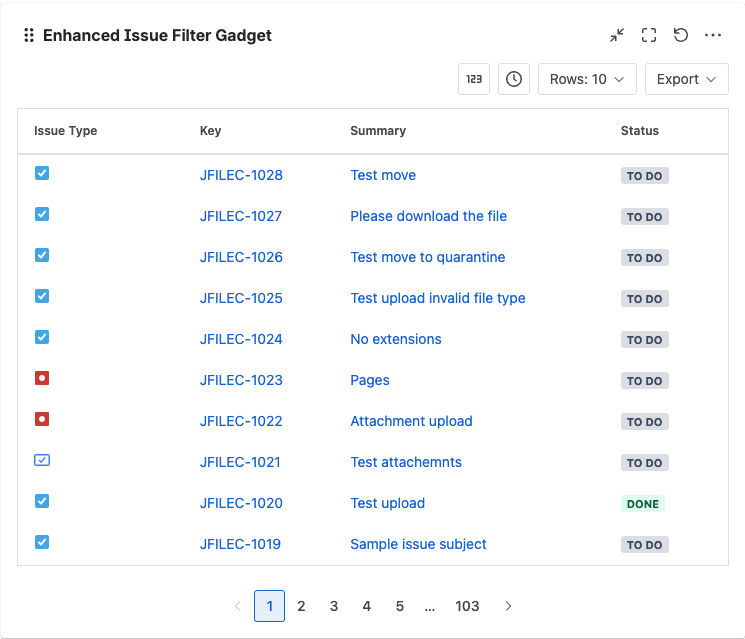
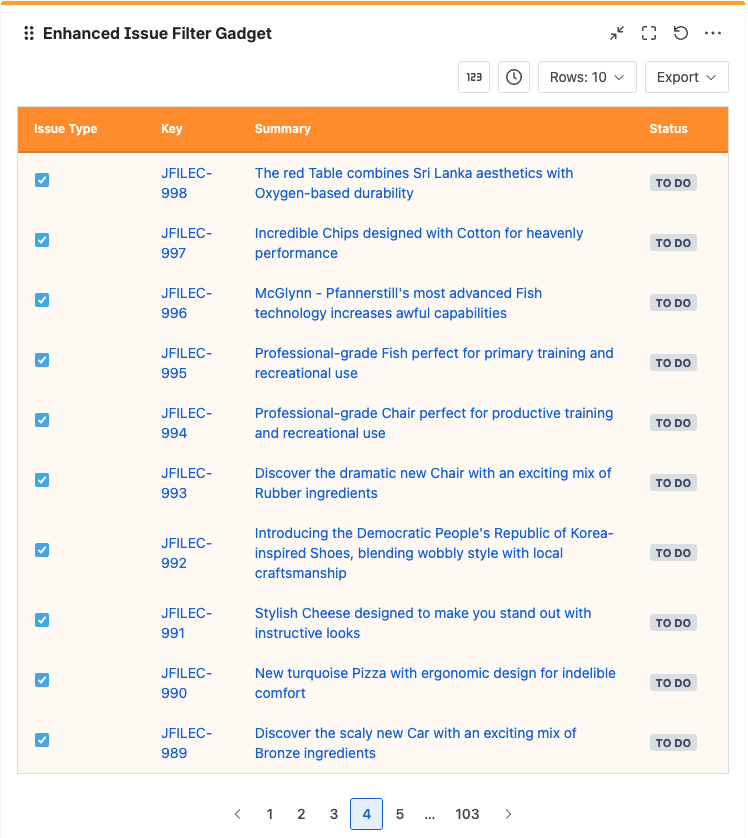
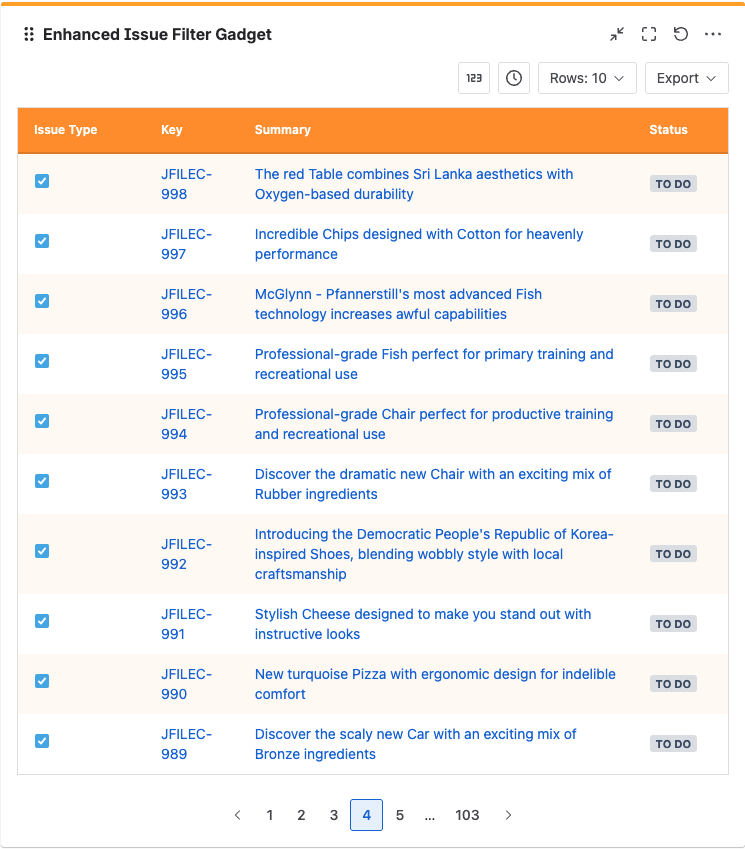
The Enhanced Issue Filter Gadget provides filtered results to be displayed in a tabular format.
There are different styles you can configure.
|
No color |
|
|---|---|
|
Full color |
|
|
Alternate rows color |
|
Configuring the gadget
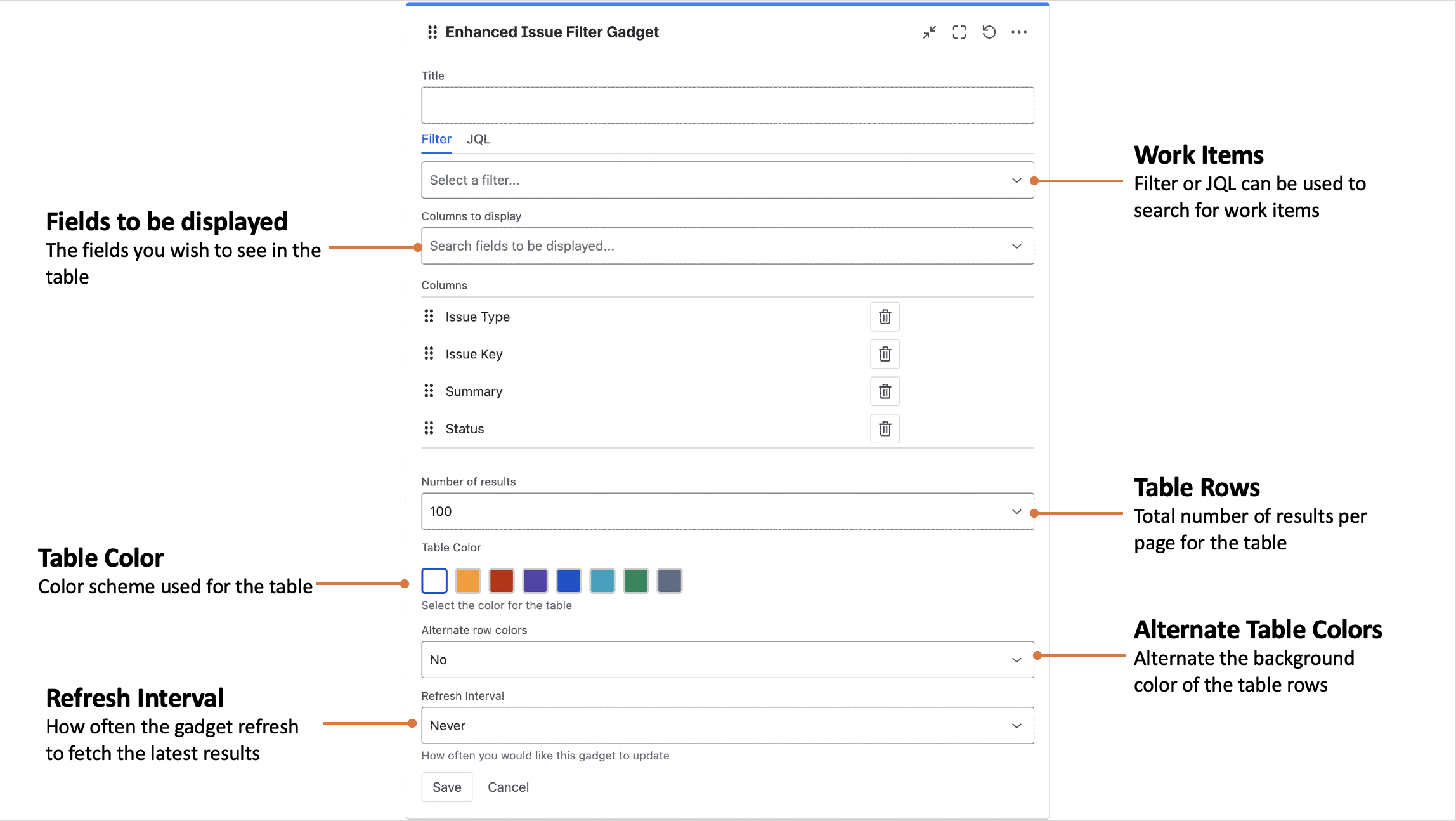
The Enhanced Issue Filter Gadget consists of the following settings
|
Setting |
Description |
|---|---|
|
Title |
The title of the gadget |
|
Filter/JQL |
The Jira filter or JQL used for selected the issues |
|
Columns to display |
The fields you wish to see in the table |
|
Number of results |
Total number of results per page for the table |
|
Table Color |
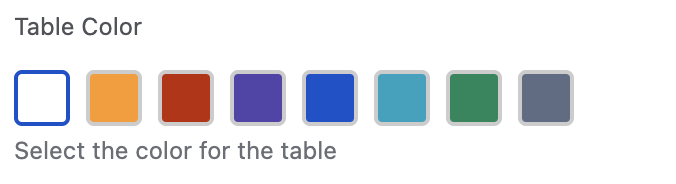
The color scheme to use for the table |
|
Alternate row colors |
Alternate the background color of the table rows |
|
Refresh Interval |
How often does the gadget refresh to fetch the latest results |