.png)
Overview
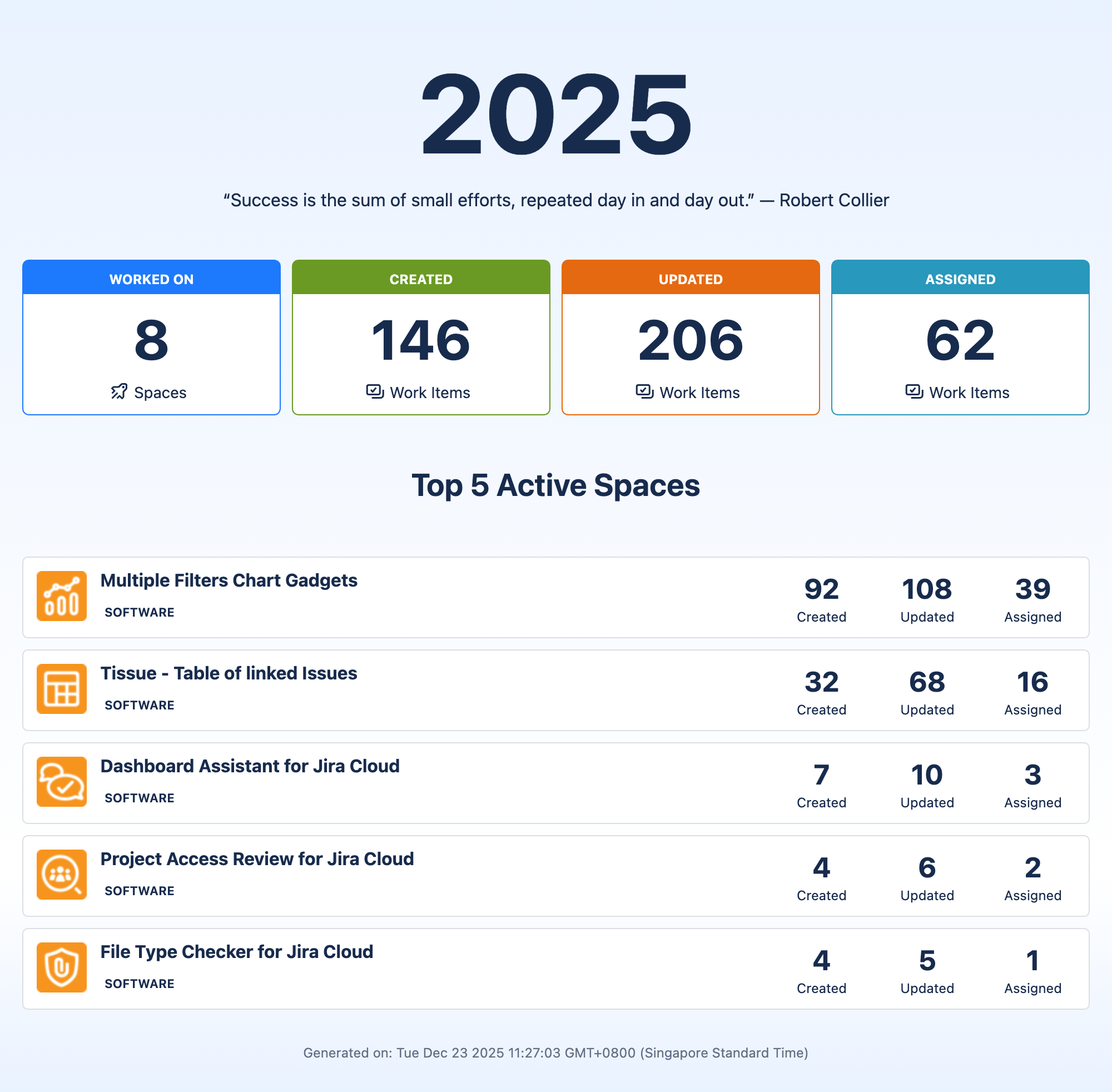
Year in Review Report allows users to view a summary report on their activities of the year:
-
Total number of spaces worked on
-
Total number of work items created
-
Total number of work items updated
-
Total number of work items assigned to
-
Top 5 active spaces and the number of work items created, updated and assigned for each of these projects

Accessing the report
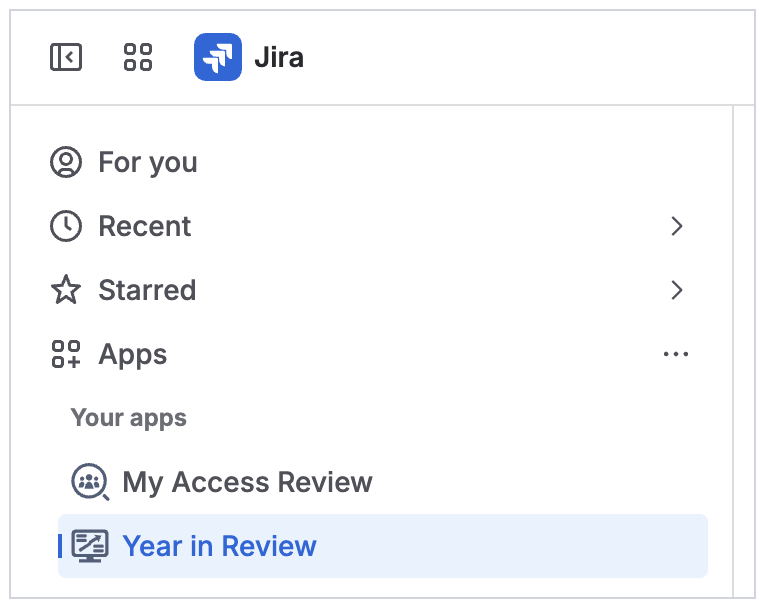
Jira users can access the report from the sidebar → Apps → Year in Review.
Who can access the report
All authenticated Jira users can access the report.
Exporting the report
Click the Download button to export the report as a png file.

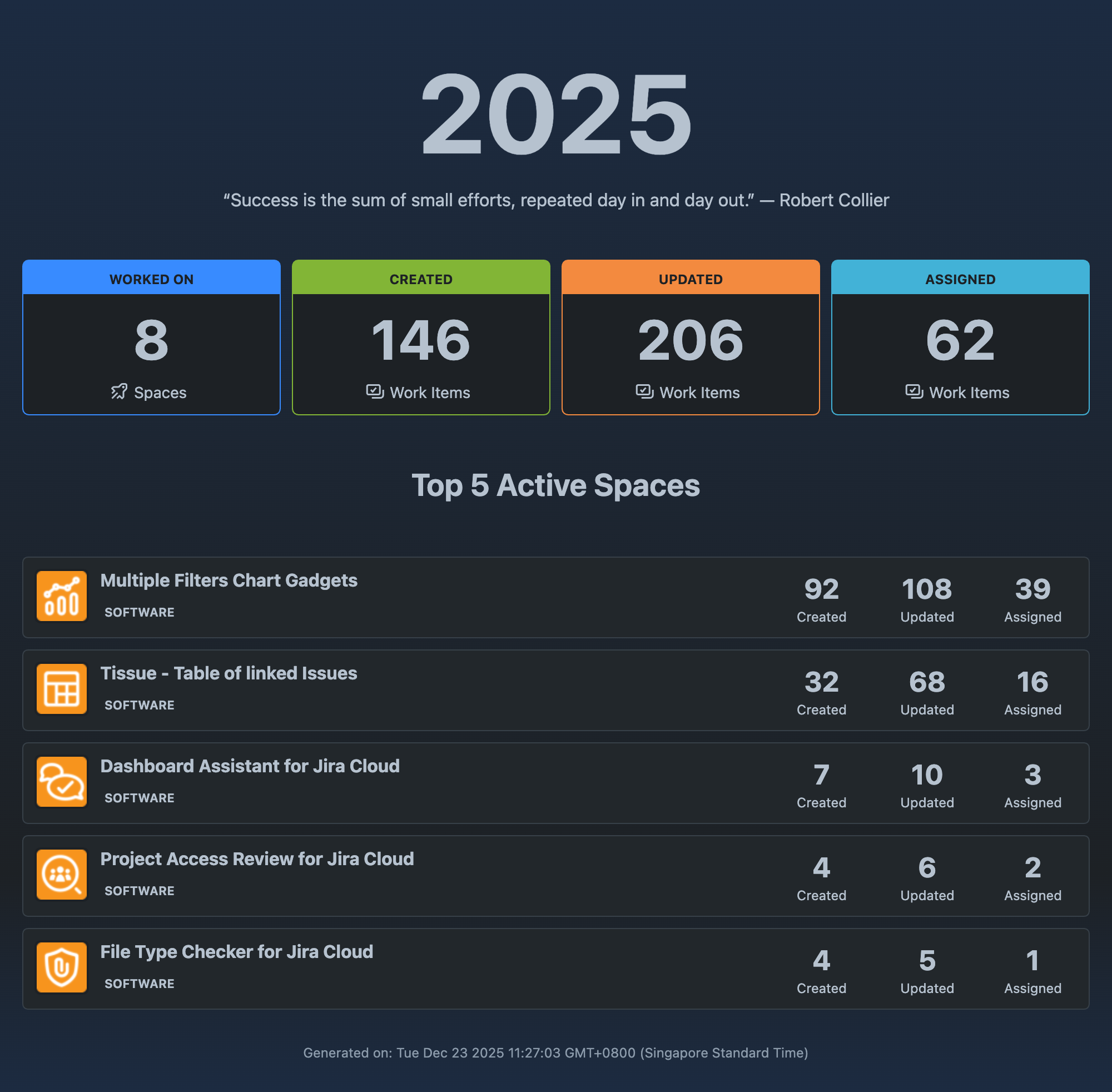
Support for light and dark themes