.png)
Steps
-
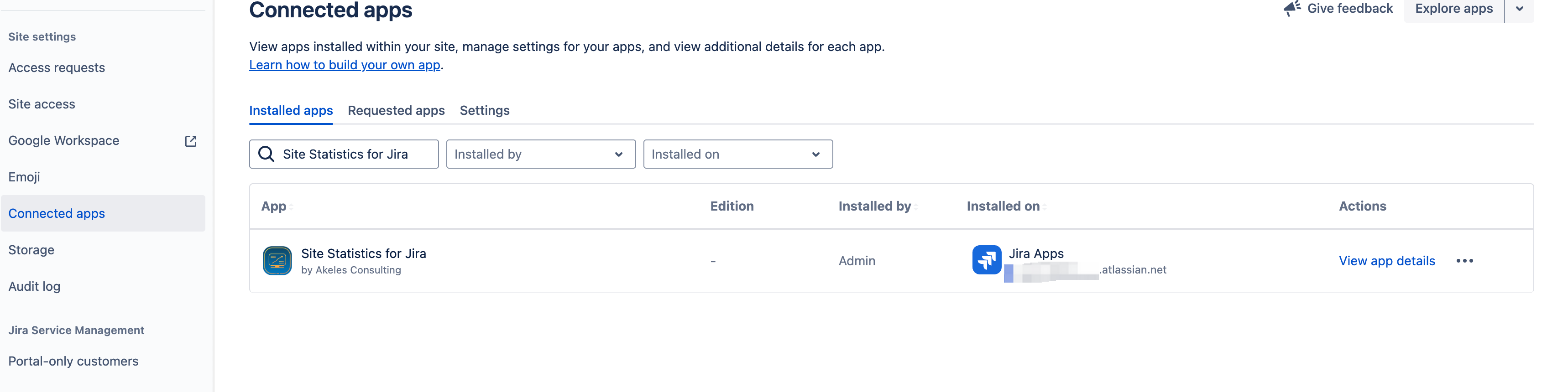
Go to the Apps > Connected apps
-
Seach for Site Statistics for Jira Cloud
-
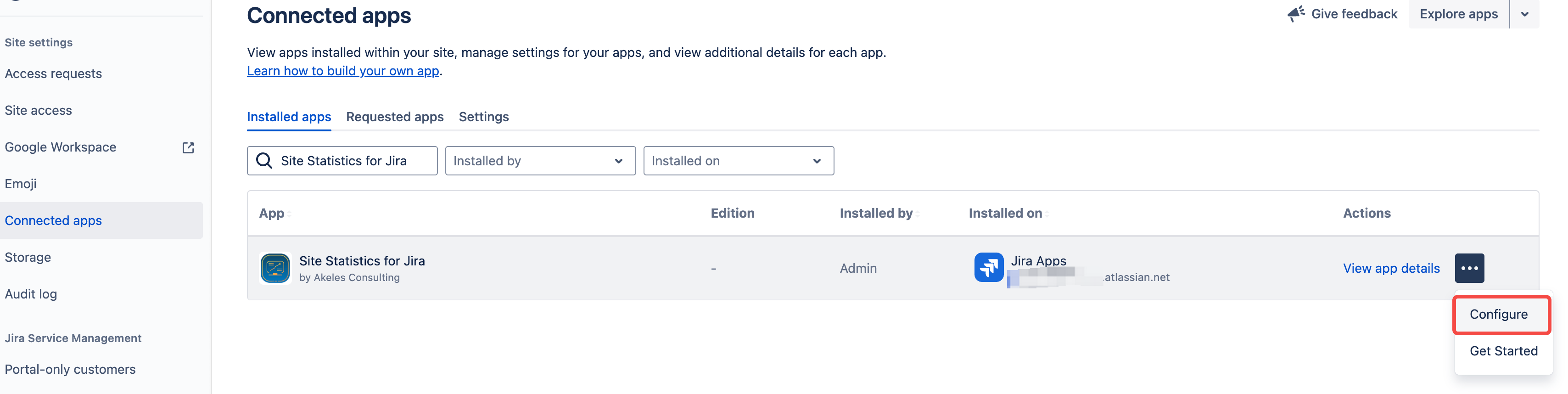
Click on the Configure button
-
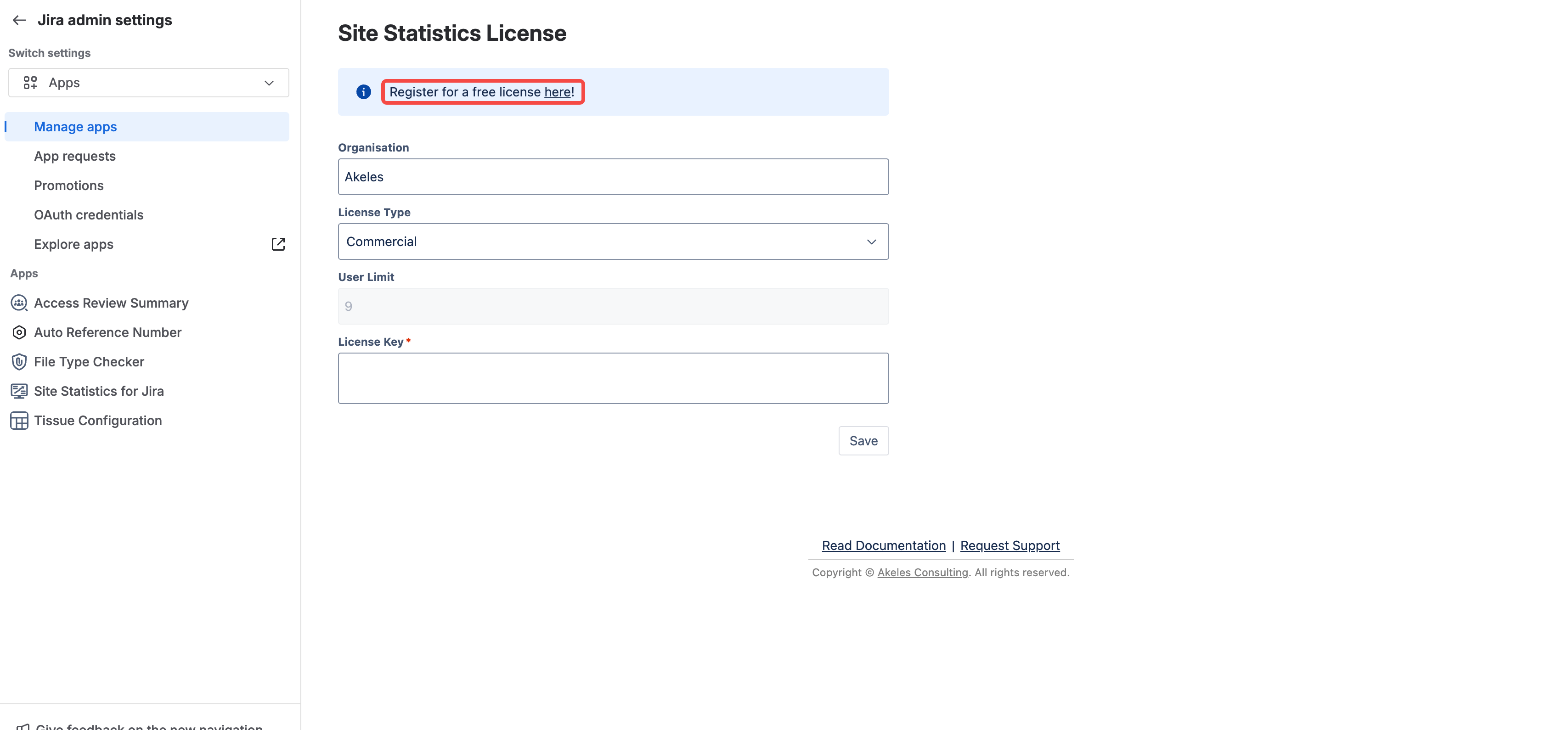
Click on the link to go to our service desk to submit a registration
-
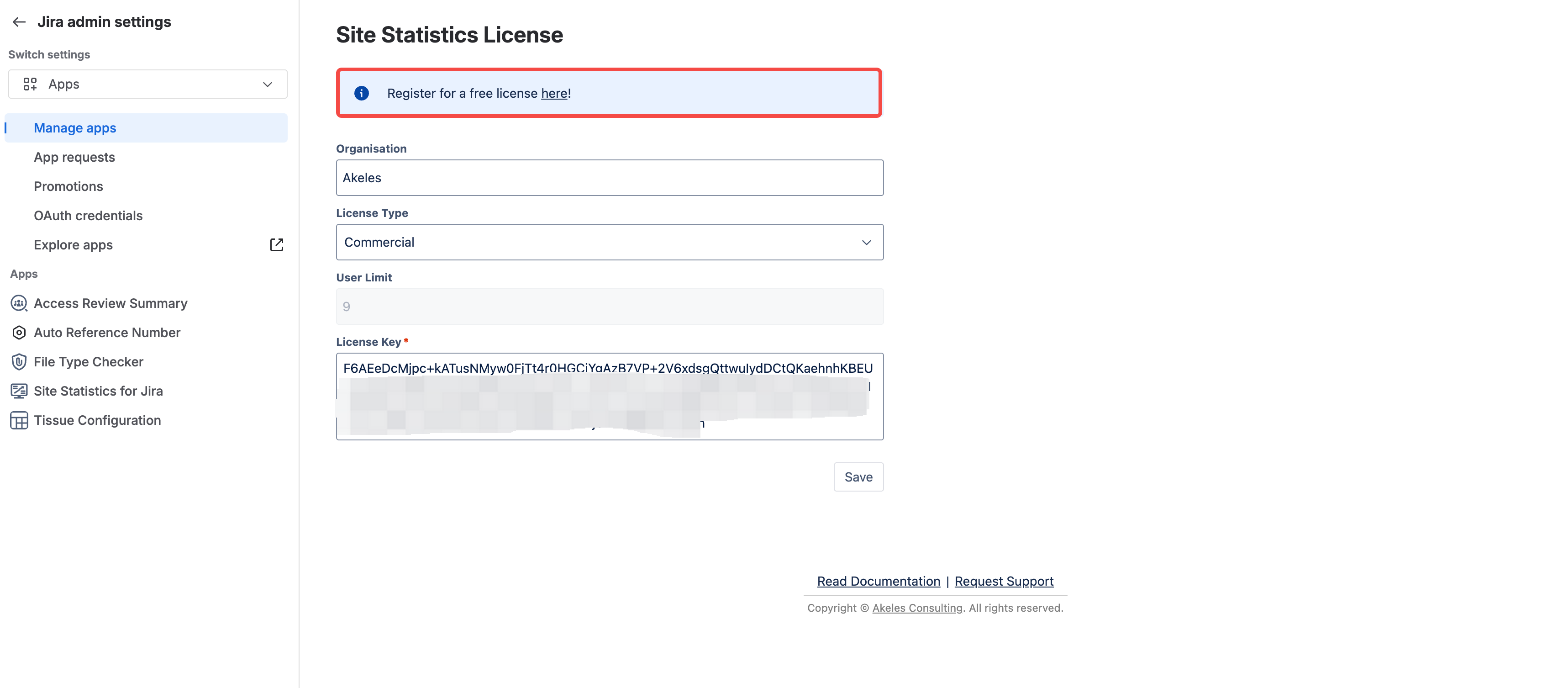
Enter the details inside the following screen
-
Click on Submit button to save the details
FAQs
Why is there a need to register for a free app?
Atlassian only provide the app publisher with technical contact details for paid apps.
For some of the cases below, it will be useful if we have a means to contact Jira admins for our free apps
-
To inform the Jira admins to manually upgrade the apps
-
To alert the Jira admins if the site is running above normal limits imposed by Atlassian
-
To alert Jira admins of security advisory (if it happens)
-
To countercheck on the authorised personnel who can raise support ticket on behalf of the organisation for better security
Can I add or update multiple users in case of personnel changes?
Yes, you can add them as request participants for the ticket.
Will you sell our email addresses to other people?
No. Please refer to our https://docs.akeles.com/info/data-security-and-privacy-statement