.png)

Introduction
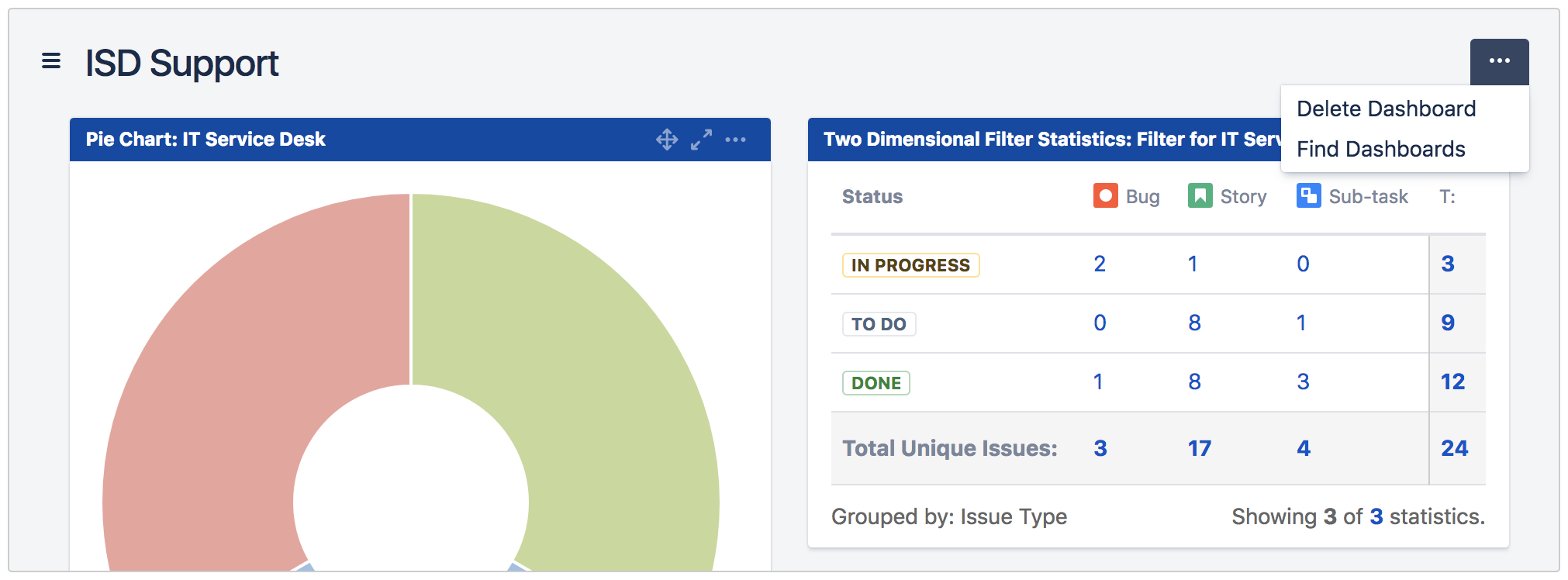
This plugin allows Jira admins to organise Dashboards into folders and share them with different groups of users.
Possible Use Cases
-
Productivity - Less clicks to access the dashboards they need
-
Findability - With hierarchical Dashboards, Dashboards are grouped by relevance so that it's easier for user to discover the dashboards they need
-
Tailored - Showing different set of dashboards for different teams
-
Security - Restrict who can create and customise dashboards
Key Features
1. Organising Dashboards
Jira Admins can:
-
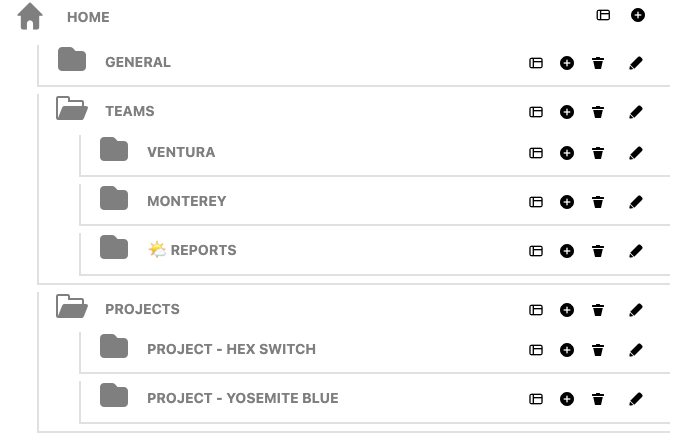
Organise the Dashboards into Folders
-
Cascade folder within other folders
-
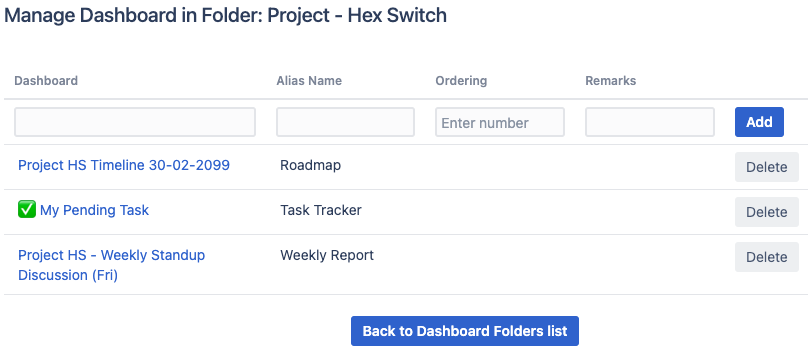
Define alias name for Dashboard within a Folder
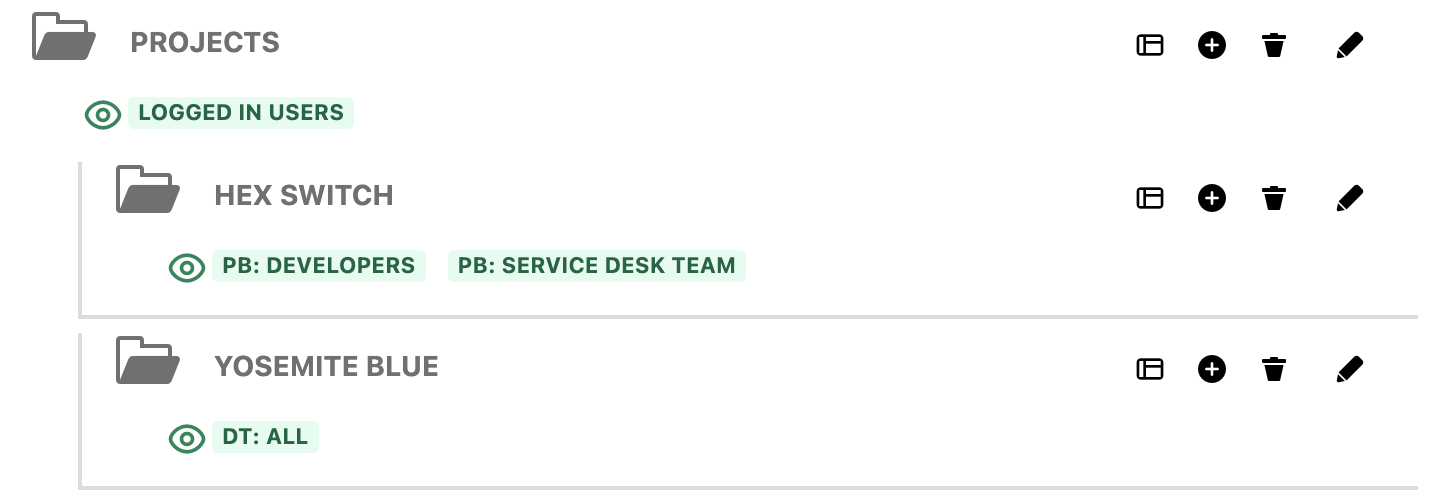
2. Share Dashboard Folders with Configure Dashboard Folders Permission
Jira admins can:
-
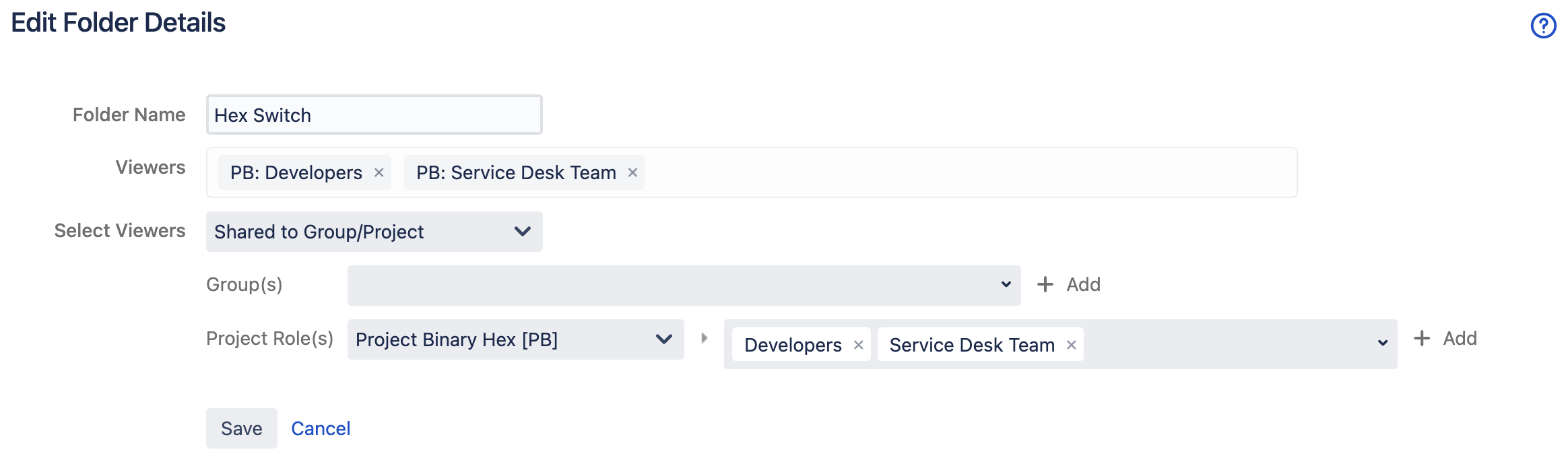
Set permission to the folders to share it with specific groups of users
-
Ensure a centralised view of Dashboards for the users
-
This is another way of pushing dashboards to the users
3. Cascading View of Dashboard Folders
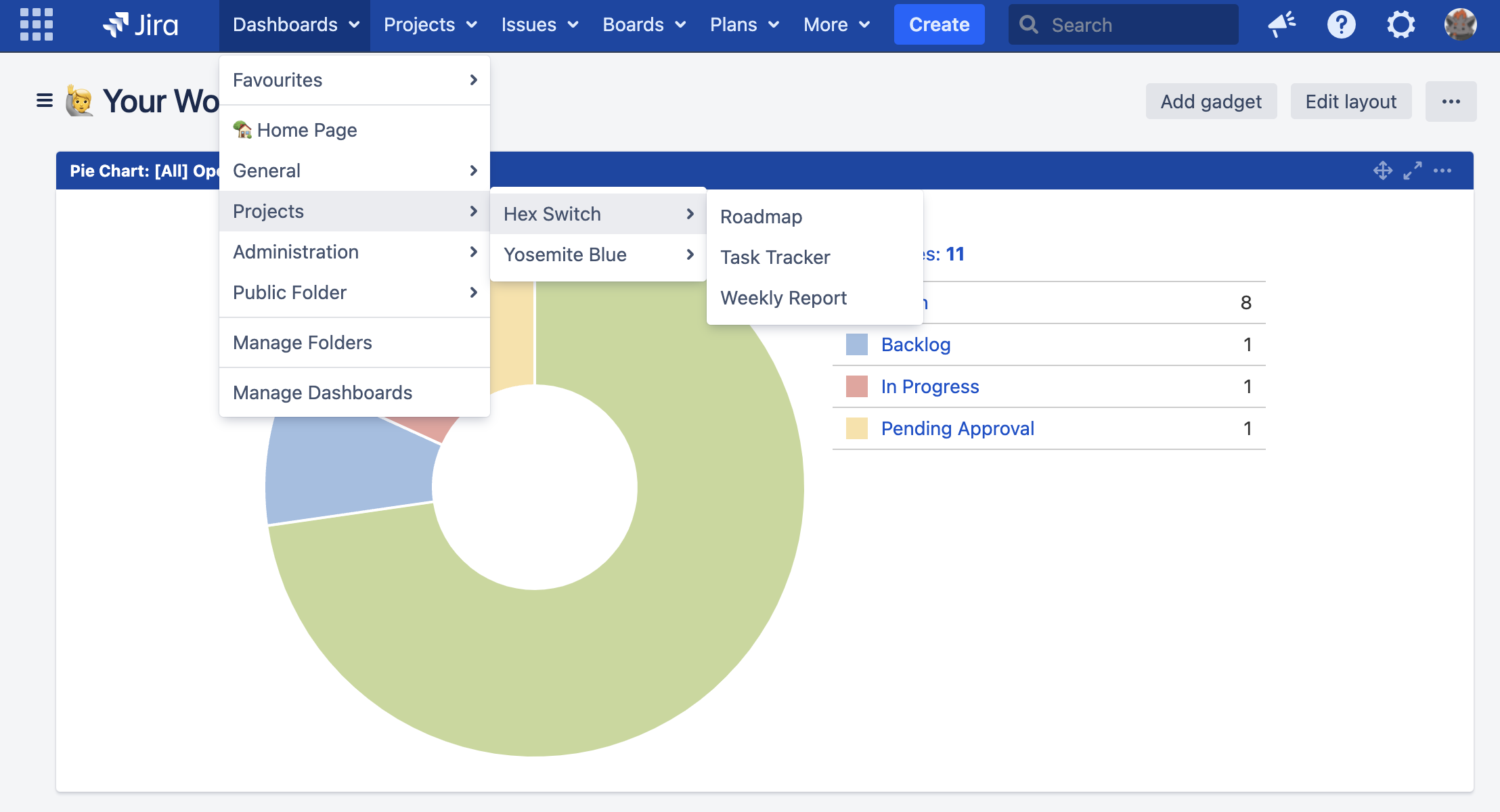
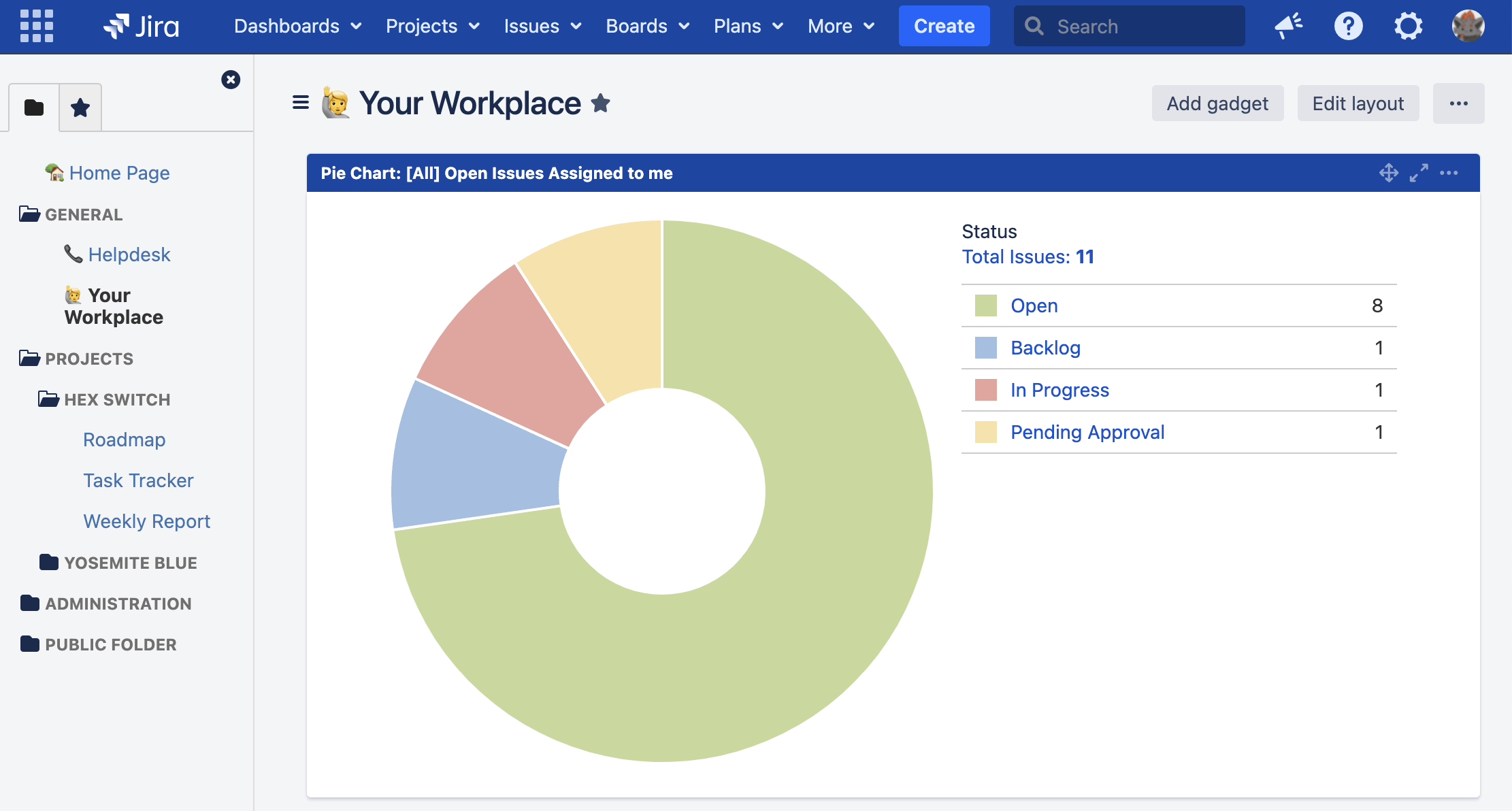
Jira users can view Dashboard folders shared to them from the:
-
top navigation bar
-
dashboard side bar (which can be hidden to maximise the screen space)
4. Restricting Dashboard Permissions
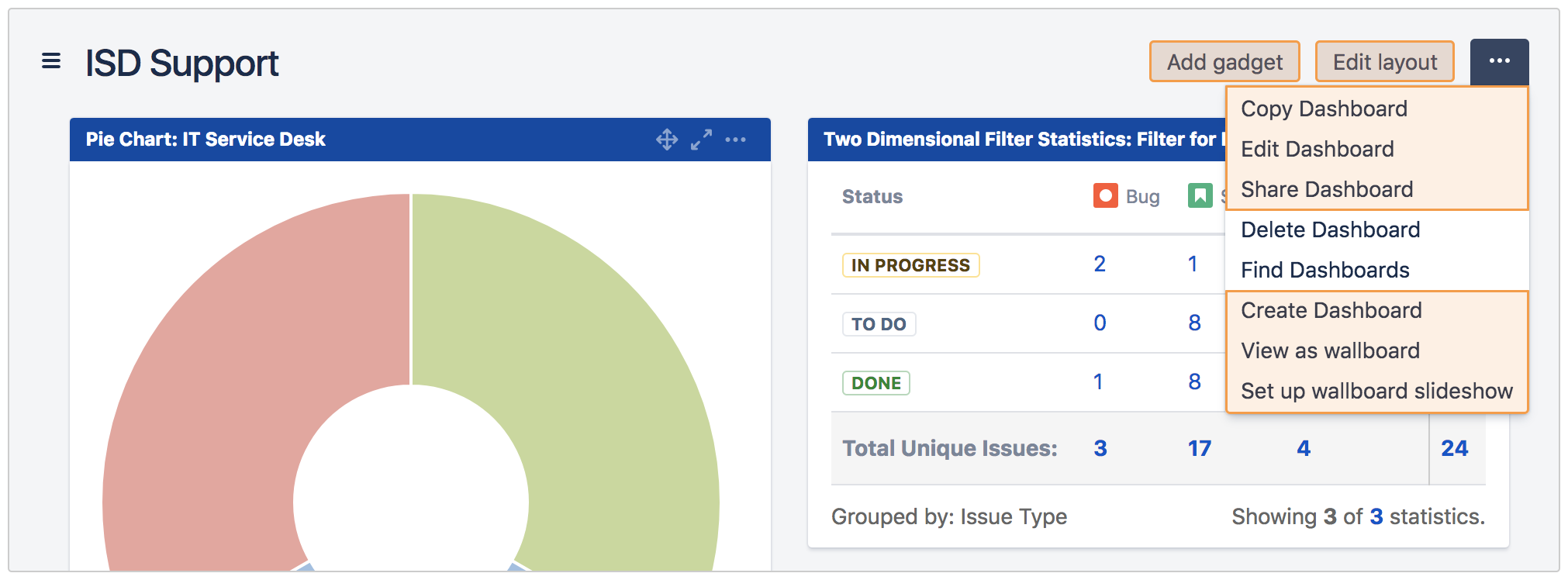
Jira Admins can restrict specific users from creating and customising dashboards.
-
Non-restricted (normal behaviour)
-
Restricted (with Dashboard Folders for Jira)