Goal
This section takes you on a tour in creating your own Image banner via a simple scenario on an existing confluence page.
Setup
You must be a Confluence admin in order perform the following steps.
-
Register here for a free license key for Banner for Confluence Cloud
-
Navigate to the Manage Apps page in your Confluence settings (under Atlassian Marketplace > Manage Apps)
-
Search for Banners for Confluence
-
Click on the Configure button
-
Enter the license key retrieved from step 1 and other details and save
-
You can now use the Banner for Confluence Cloud macros in your Confluence pages
Scenario
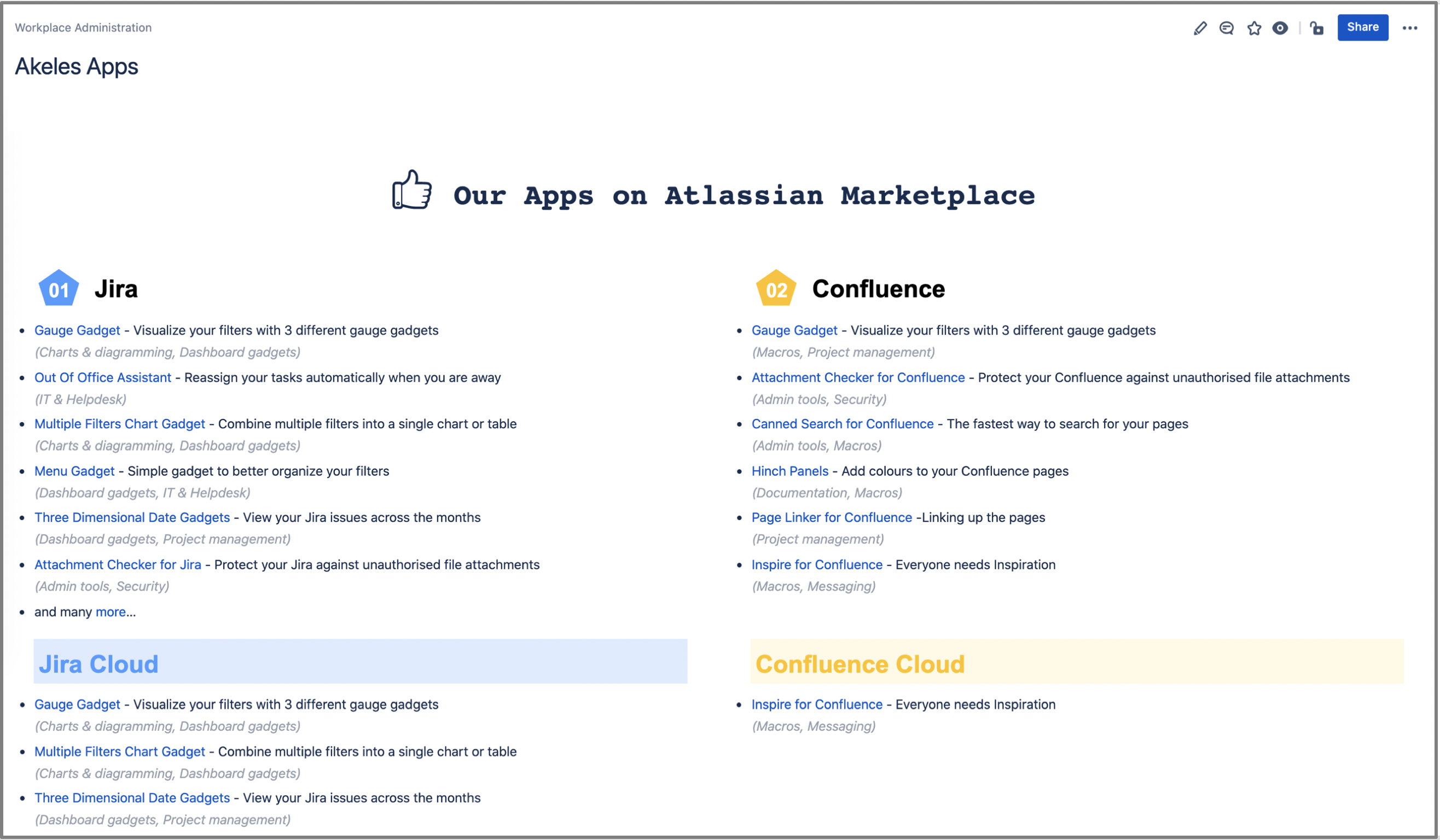
This page is too wordy for users to distinguish between the different sections

Demonstration
Due to the effect of caching, it may take some time for the Banners macro to appear in the list of macros for selection.
Please wait for some time and try again if it does not appear immediately.
Explore More
You can design your pages with both the Image and Counter Banner